Estimated reading time: 4 minutes
Key Takeaways
- The ChatGPT caricature trend involves creating AI-imagined caricatures from photos using prompts, appealing to artists and casual creators.
- This trend thrives on social media due to its shareable nature and minimal setup requirements.
- To create a caricature, select a clear photo, develop a prompt with ChatGPT, and then generate the image using AI art tools like Midjourney or DALL·E.
- Enhance your caricature by adding details about style, personality traits, and variations for unique creations.
- To maximize engagement, use trending hashtags, post in carousel formats, and explain your prompts in captions.
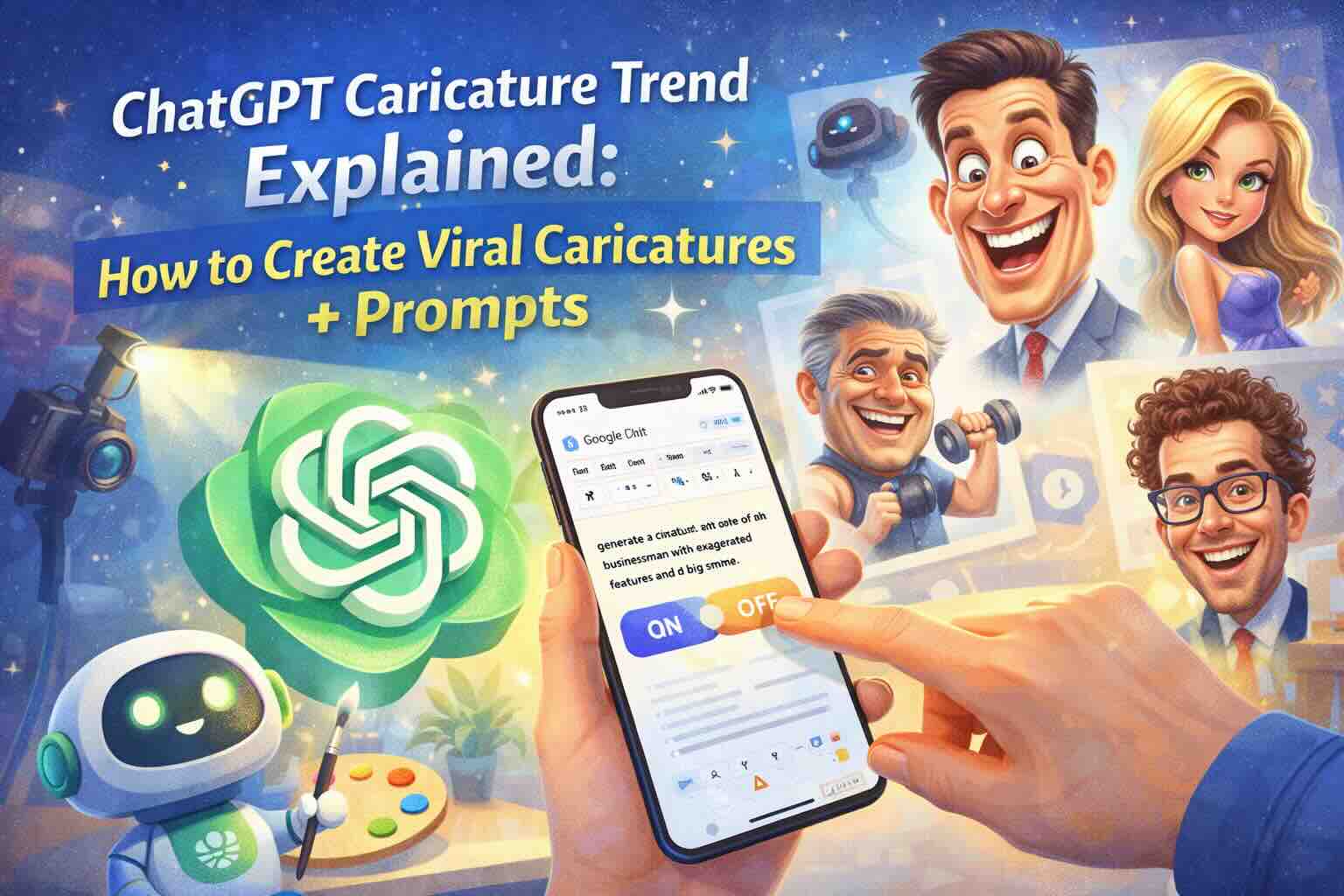
In 2026, the ChatGPT caricature trend is one of the most talked-about creative experiments online. From social media feeds to AI art communities, people are turning everyday photos into witty, stylized caricatures using AI prompts. Whether you’re an artist, influencer, or casual creator, this guide will help you understand the trend, make your own caricatures, and use prompts that work with ChatGPT and image-generation tools.
What Is the ChatGPT Caricature Trend?
The ChatGPT caricature trend involves using AI language + image models to generate exaggerated digital portraits from photos. These images aren’t just filters — they’re AI-imagined caricatures with personality, style, and even storytelling elements.
Why it’s big in the USA (and worldwide):
- Shareable for social media (TikTok, Instagram Reels, Threads)
- Unique twist on traditional portrait art
- Works with minimal setup — no advanced software required
How It Works: A Simple Breakdown
Most creators follow this process:
- Upload a photo (or describe someone)
- Use AI prompts to shape the caricature style
- Let the model generate an image
- Save and share on social platforms
ChatGPT itself can’t generate images, but it can generate the perfect prompts for AI art tools like:
- Midjourney
- DALL·E
- Stable Diffusion
Then you paste the prompt into an image generator that supports text-to-image.
Step-by-Step Guide to Create a ChatGPT Caricature
Step 1 — Choose a Photo
Choose a clear face photo or portrait:
- Good lighting
- Minimum background clutter
- Front-facing preferred
Example: A selfie with a neutral background makes it easier for AI to exaggerate facial features.
Step 2 — Open ChatGPT
Start a new prompt by telling ChatGPT what you want:
“I want a caricature prompt for an AI image model. The subject is a smiling young woman with glasses and curly hair.”
ChatGPT can turn this description into a detailed prompt.
Step 3 — Use ChatGPT to Craft a Caricature Prompt
Here’s a sample high-quality prompt you can ask ChatGPT to generate:
Base Prompt Input to ChatGPT:
Create a detailed image prompt for an AI art generator to turn this portrait into a fun, stylized caricature:
“A smiling young woman with curly hair and glasses.”
ChatGPT will give you something like:
Generated Prompt for Image AI:
A vibrant digital caricature of a smiling young woman with curly hair and round glasses, exaggerated expressive features, bold lines, bright colors, dynamic cartoon style, high-detail facial expression, soft glowy background, vibrant modern art style.
Step 4 — Paste Into Your Image Generator
Copy the generated prompt and paste it into your chosen AI art tool:
- Midjourney (Discord):
/imagine <your prompt> - DALL·E / API: Type prompt and click generate
- Stable Diffusion UI: Paste prompt and render
Wait for the image to finish generating.
Step 5 — Save and Share
Once your caricature is ready:
- Save the image locally
- Add captions or a short AI story
- Share on TikTok, Instagram, or Threads
Pro tip: Add a brief caption like:
“My AI caricature remix — #ChatGPTArtTrend”
This boosts engagement and taps into trending hashtags.
Pro Tips for Better Caricatures
🪄 Add More Style Detail
To make your image stand out, expand the prompt:
✔ Specify art style — comic book, neon, watercolor, etc.
✔ Mention expression — big laugh, serious gaze, dramatic eyes
✔ Add theme — sci-fi, fantasy, 80s retro, Pixar style
Use Personality Attributes
If you know the person well, add personality traits:
Smiling confidently, playful eyes, larger-than-life cartoon style.
AI responds well to personality detail.
Use Variations
Try different versions by tweaking one element:
- Change background style
- Switch between realistic vs. exaggerated
- Add props (hats, instruments, superhero theme)
Each variation can be a separate post!
Sample Prompts to Try (Copy-Ready)
🟡 Prompt for Comic-Style Caricature
A fun caricature with bold comic lines, exaggerated eyes and smile, bright colors, expressive face, vibrant cartoon aesthetic.
🔵 Prompt for Pop-Art Caricature
Pop-art caricature portrait, Warhol-inspired color palette, crisp bold tones, smiling face with artistic flair.
🟣 Prompt for Futuristic Neon Caricature
Futuristic neon caricature, glowing accents, sleek cyberpunk background, energetic style and vibrant contrast.
Bonus: Social Media Posting Tips
To make your caricatures go viral:
✔ Use trending hashtags (#AIArt #CaricatureTrend #ChatGPTArt)
✔ Post in carousel format
✔ Add short reels with “Before/After”
✔ Explain your prompt in the caption
Final Thoughts
The ChatGPT caricature trend isn’t just a fun meme — it’s a creative way to express personality through AI. With the right prompts and a good image generator, anyone can make shareable caricatures in minutes.
Start with the steps above and remix your style as you go. Soon you’ll be creating images that are not just visual — they’re viral.