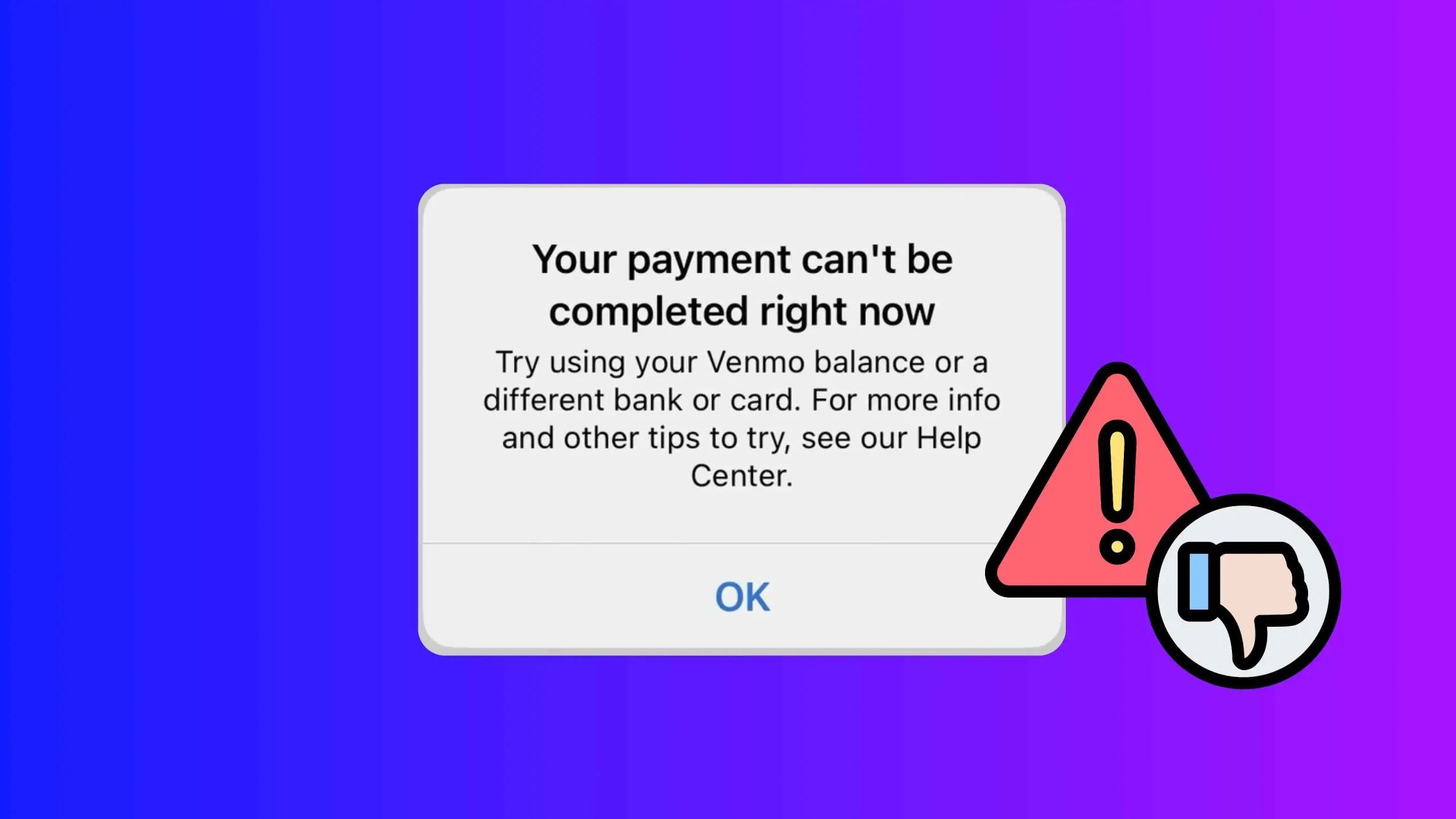
If you’re seeing the Venmo message “Try using your Venmo balance or a different bank or card,” it usually means Venmo couldn’t complete the payment with your selected funding source; as a result, you’ll need to switch to another payment method to finish the transaction. This is common and often easy to fix.
Below are the most effective ways to resolve it.
Why This Error Happens (Try Using Your Venmo Balance or a Different Bank or Card)
Venmo may block a payment due to:
- Bank or card verification issues
- Insufficient funds or pending charges
- Temporary security flags
- Daily or weekly transaction limits
- Bank-side restrictions
Fix 1: Use Your Venmo Balance
The fastest workaround is to pay directly from your Venmo balance.
What to do:
- Open the Venmo app
- Tap your balance at the top
- Add money if needed
- Retry the payment using your Venmo balance
Venmo balance payments are less likely to be declined.
Fix 2: Switch to a Different Bank or Card
If you have multiple payment methods linked, switch to another one.
Steps:
- Start the payment again
- Tap the payment method
- Choose a different bank account or debit card
- Confirm and send
Debit cards usually work better than bank transfers for instant payments.
Fix 3: Check Your Bank or Card Balance
Even if you think you have enough money, pending transactions can reduce available funds.
Check for:
- Pending charges
- Daily spending limits
- Holds placed by your bank
If needed, wait a few hours and try again.
Fix 4: Remove and Re-Add the Payment Method
Sometimes Venmo loses proper authorization with your bank or card.
Steps:
- Go to Settings
- Tap Payment Methods
- Remove the affected bank or card
- Restart the app
- Add the payment method again
This refreshes Venmo’s connection.
Fix 5: Update the Venmo App
An outdated app can cause payment errors.
Do this:
- Open the App Store or Google Play
- Update Venmo to the latest version
- Log out and log back in
Then retry the payment.
Fix 6: Wait and Try Again Later
Venmo may temporarily block payments for security reasons.
If none of the above works:
- Wait 24 hours
- Avoid repeated failed attempts
- Try again later using a different method
Multiple rapid attempts can extend the block.
Fix 7: Contact Venmo Support
If the error keeps appearing, Venmo support can tell you exactly why the payment is blocked.
Best option:
- In-app support chat (fastest)
They can confirm whether the issue is with Venmo or your bank.
Important Tips
- Credit cards may fail more often than debit cards
- Business payments sometimes have stricter rules
- New accounts face tighter limits
Bottom Line
This Venmo error is usually caused by bank restrictions or security checks, not a permanent problem. Using your Venmo balance or switching payment methods fixes it in most cases.