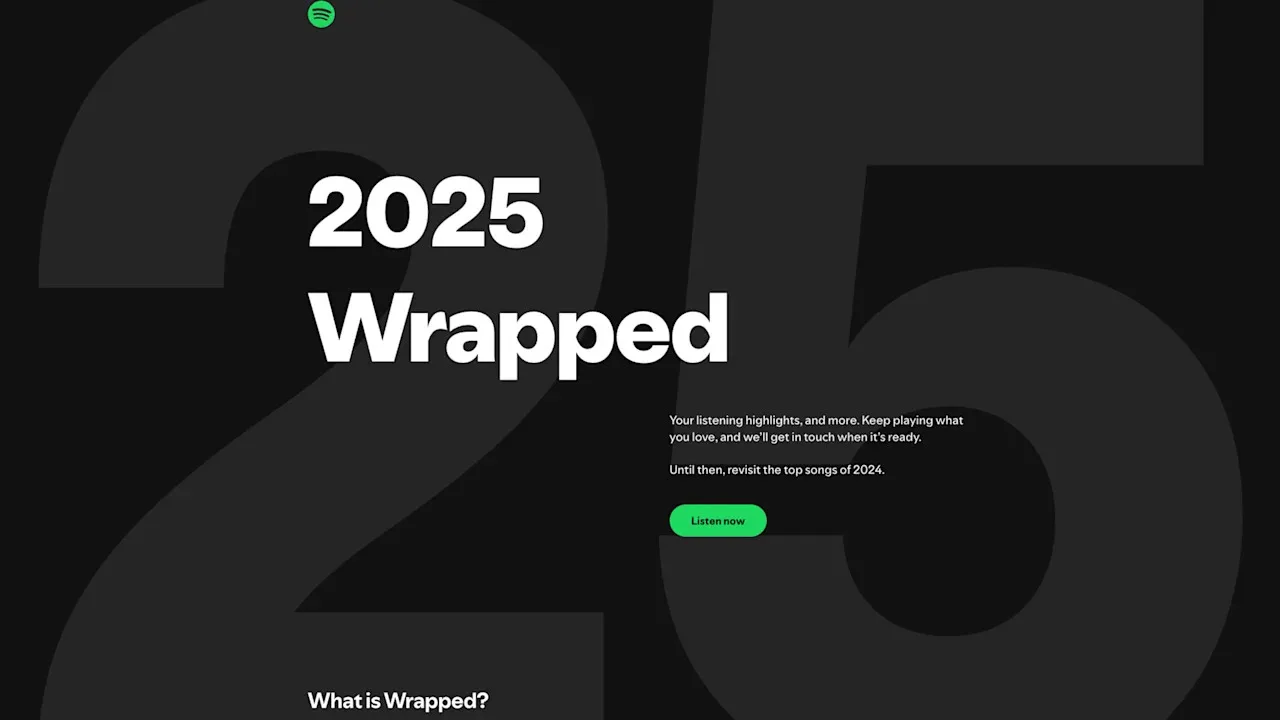
Spotify Wrapped is one of the most exciting moments of the year for music lovers. Each December, Spotify surprises users with a customized message that reveals their listening habits, top songs, favorite artists, minutes streamed, and even a unique “listening personality.” But many people still ask the same question:
What exactly is the Spotify Wrapped message, why did I get it, and where do I find it?
This guide breaks everything down clearly so you know exactly what the message means and how to access your Wrapped on any device.
What Is the Spotify Wrapped Message?
The Spotify Wrapped Message is a notification or banner that appears in your Spotify app around early December. It lets you know that your personal Wrapped experience is ready.
Spotify uses messages like:
- “Your 2025 Wrapped is here.”
- “See your top artists and songs of the year.”
- “Dive into your listening story.”
These messages appear so you don’t miss your year-in-review experience.
Where Do You See the Spotify Wrapped Message?
You may see it in multiple places:
1. On the Home Screen of the Spotify App
A big card or banner appears at the top.
2. As a Push Notification
If enabled, you’ll get a message like:
“Your 2025 Wrapped is ready.”
3. From Shared Links
Friends sharing their Wrapped may lead you to your own.
4. On Spotify’s Website
Visiting spotify.com/wrapped also triggers the Wrapped message.
Why Did You Get the Spotify Wrapped Message?
Here’s why Spotify sends it:
- You’ve listened enough throughout the year to generate a Wrapped report.
- Spotify detected that your account is active and eligible.
- Wrapped has officially launched in your region.
- Spotify wants to guide users to their year-end story without searching.
If you didn’t listen much during the year, your Wrapped message may not appear.
Can You See Spotify Wrapped on a Computer?
Yes, but with limitations.
You can view:
- Top Songs Playlist
- Top Artists Playlist
- Listening Stats
But you cannot view the animated Wrapped Story on a PC.
You must use the mobile app for the full experience.
Learn more: spotify.com/wrapped
Didn’t Get the Spotify Wrapped Message? Here’s Why
Sometimes the message doesn’t appear due to:
| Problem | Explanation |
|---|---|
| App not updated | Wrapped requires the latest Spotify version |
| Region rollout delay | Wrapped releases slowly across countries |
| Low listening activity | Not enough data to generate Wrapped |
| Logged into wrong account | Stats tied to a different login |
| VPN enabled | Region mismatches prevent visibility |
| App cache issues | Old data blocks Wrapped cards |
How to Fix Spotify Wrapped Message Not Showing
Try these quick fixes:
1. Update Spotify
Outdated versions won’t load Wrapped.
2. Search for “Wrapped”
Tap Search → type “Wrapped” → tap the 2025 Wrapped card.
3. Use the official link
Open your browser and visit:
spotify.com/wrapped
4. Restart the Spotify app
5. Log out and log back in
6. Turn off VPN
7. Switch devices
Sometimes, Wrapped works on one device but not another.
Wrapped Message Rollout Timeline (Past Years)
Year    | Wrapped Release Date
-----------------------------------
2021    | December 1
2022    | November 30
2023    | November 29
2024    | December 4
2025    | December 3
FAQs About Spotify Wrapped Messages
1. Do all Spotify users get the Wrapped message?
No. Users with very low listening activity might not get one.
2. Do Free Spotify users get Wrapped?
Yes — Wrapped works for both Free and Premium accounts.
3. Can you disable the Wrapped message?
No. It’s automatic, but you can dismiss the banner.
4. Why does my Wrapped show different results on different devices?
You may be logged into different accounts.
5. Does Wrapped update during December?
No. It freezes your stats as of late November.
Final Thoughts
The Spotify Wrapped Message is your yearly invitation to recap your musical journey. Whether it popped up on your home screen or you spotted it late, the good news is that it’s easy to access from any device.
If your Wrapped message hasn’t appeared yet, don’t worry — with the steps above, you can quickly locate it or fix whatever is blocking it.