
Here are all articles based on Tips and Tricks for Apple Products like iPhone, iPad, Mac, Apple Watch, TV, And Airpods. So, Easy to Learn How to Use your Apple Device.
Tips and Tricks

Estimated reading time: 4 minutesKey TakeawaysYou can connect a wireless mouse without a USB receiver if it supports Bluetooth.Ensure Bluetooth is enabled on your Windows 11 device before pairing the mouse.Put the mouse in pairing mode and add it through Windows settings to connect. ...
READ MORE +
Connecting a wireless mouse to Windows 11 is quick and simple—once you know which type of mouse you’re using. Some wireless mice use a USB receiver (dongle), while others connect using Bluetooth.In this guide, you’ll learn both methods, plus quick fixes if your mouse doesn’t connect on the ...
READ MORE +
Estimated reading time: 4 minutesKey TakeawaysThe ChatGPT caricature trend involves creating AI-imagined caricatures from photos using prompts, appealing to artists and casual creators.This trend thrives on social media due to its shareable nature and minimal setup requirements.To ...
READ MORE +
Estimated reading time: 3 minutesKey TakeawaysTo open the Clipboard in Windows 11, use the Windows key + V shortcut for quick access.Alternatively, you can enable Clipboard history through Settings by toggling it on under System > Clipboard.You can pin important clipboard items to ...
READ MORE +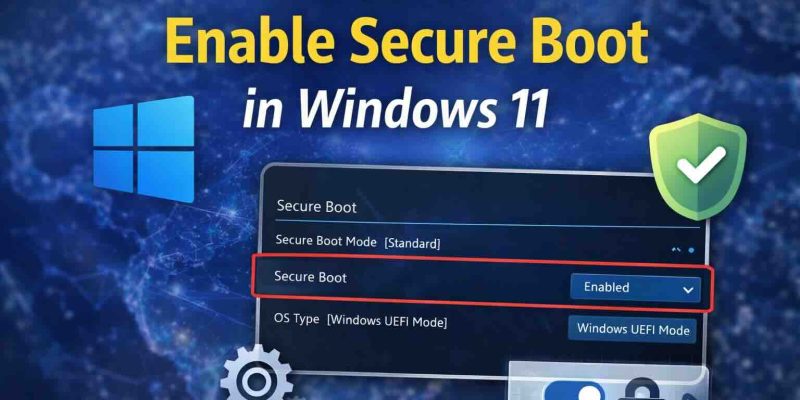
Estimated reading time: 5 minutesKey TakeawaysSecure Boot ensures your system boots only trusted software, protecting against boot-level malware.Check Secure Boot status in Windows 11 with 'msinfo32' via the Run dialog box.Access UEFI settings through Advanced Startup in Windows 11 ...
READ MORE +
Estimated reading time: 3 minutesKey TakeawaysDigital eye strain is common but preventable with workspace adjustments and habits.To prevent eye strain, adjust your lighting, optimize screen position, and minimize glare.Follow the 20-20-20 rule, blink more often, and take regular ...
READ MORE +
Estimated reading time: 4 minutesKey TakeawaysWindows 11 includes a built-in feature called Night light that reduces blue light to decrease eye strain and improve sleep quality.To turn on Night light, open Settings, go to Display, and switch Night light to On.You can adjust the ...
READ MORE +
If you’re using a personal Windows 11 PC at home and you’re tired of entering a password every time your computer starts, wakes up, or shows the lock screen, this guide is for you.Windows 11 doesn’t offer a single switch to turn everything off. Instead, you must adjust three separate areas:...
READ MORE +
Estimated reading time: 3 minutesKey TakeawaysWindows 11 often displays time in a 24-hour format by default, which can confuse users in the U.S.You can easily change the time format in Windows 11 from 24-hour to 12-hour (AM/PM) in just a minute.To switch formats, access Settings, ...
READ MORE +
If your Windows 11 computer shows the wrong date or time, it can cause problems with internet browsing, app updates, file timestamps, and system security. The good news is—Windows 11 offers multiple easy ways to fix incorrect date and time settings.Follow the methods below to quickly correct ...
READ MORE +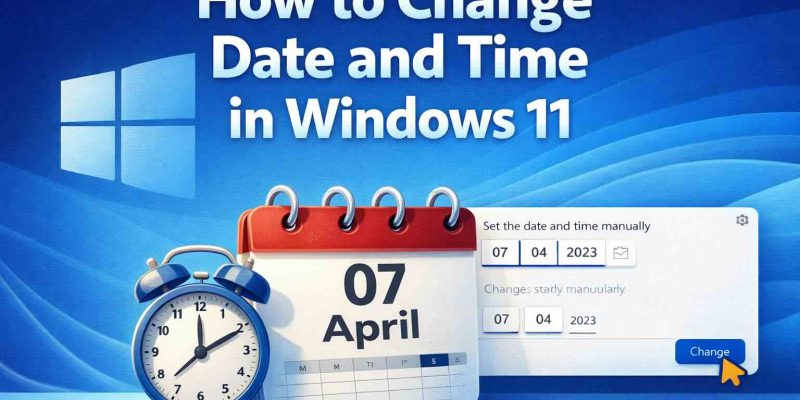
Keeping the correct date and time on your Windows 11 computer is important for system updates, app functionality, file timestamps, and internet security. Whether your clock is incorrect or you simply want to adjust it manually, Windows 11 makes the process quick and simple.In this guide, ...
READ MORE +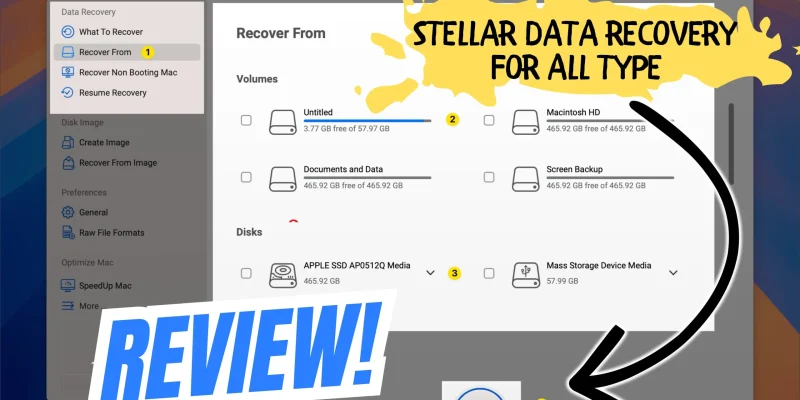
Accidentally deleting files on a Mac is more common than you think. Whether it’s emptied Trash, a formatted drive, or lost documents after a macOS update, data loss can happen in seconds. The big question is — what’s the best way to recover deleted files on Mac?To find out, we tested Stellar ...
READ MORE +