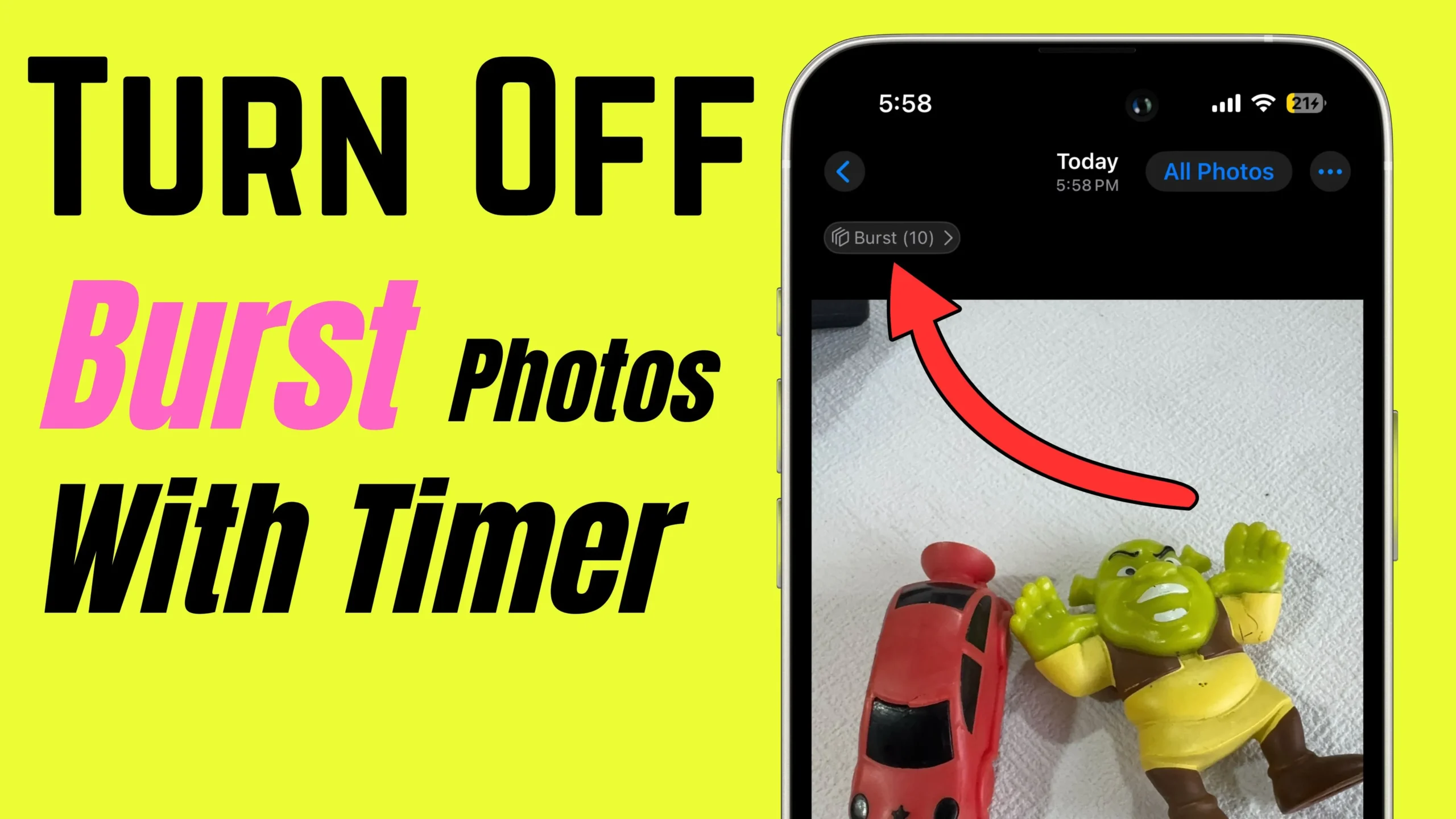
Hey, have you noticed that when you’re taking photos on your iPhone, it automatically captures 10 photos in a series? Well, I’ve trick to stop Burst of Photos on iPhone. Let’s dive in!
Enable Live Photo with Timer
- Step 1: Open your iPhone’s camera app; Tap on the Live Photo option at the top, or Find under the Upper arrow icon at the top center.
- Step 2: Swipe to left or right to find the Live Photo option. Tap on Enable Live photo.
- Step 3: Now, the Timer is on for 3 seconds, and Live Photo is enabled.
- Step 4: Tap the camera shutter button to Capture Photos with a Timer but without Burst Photos.
That’s it. To turn off Bust of Photos with the Volume up button, Watch the video tutorial below,