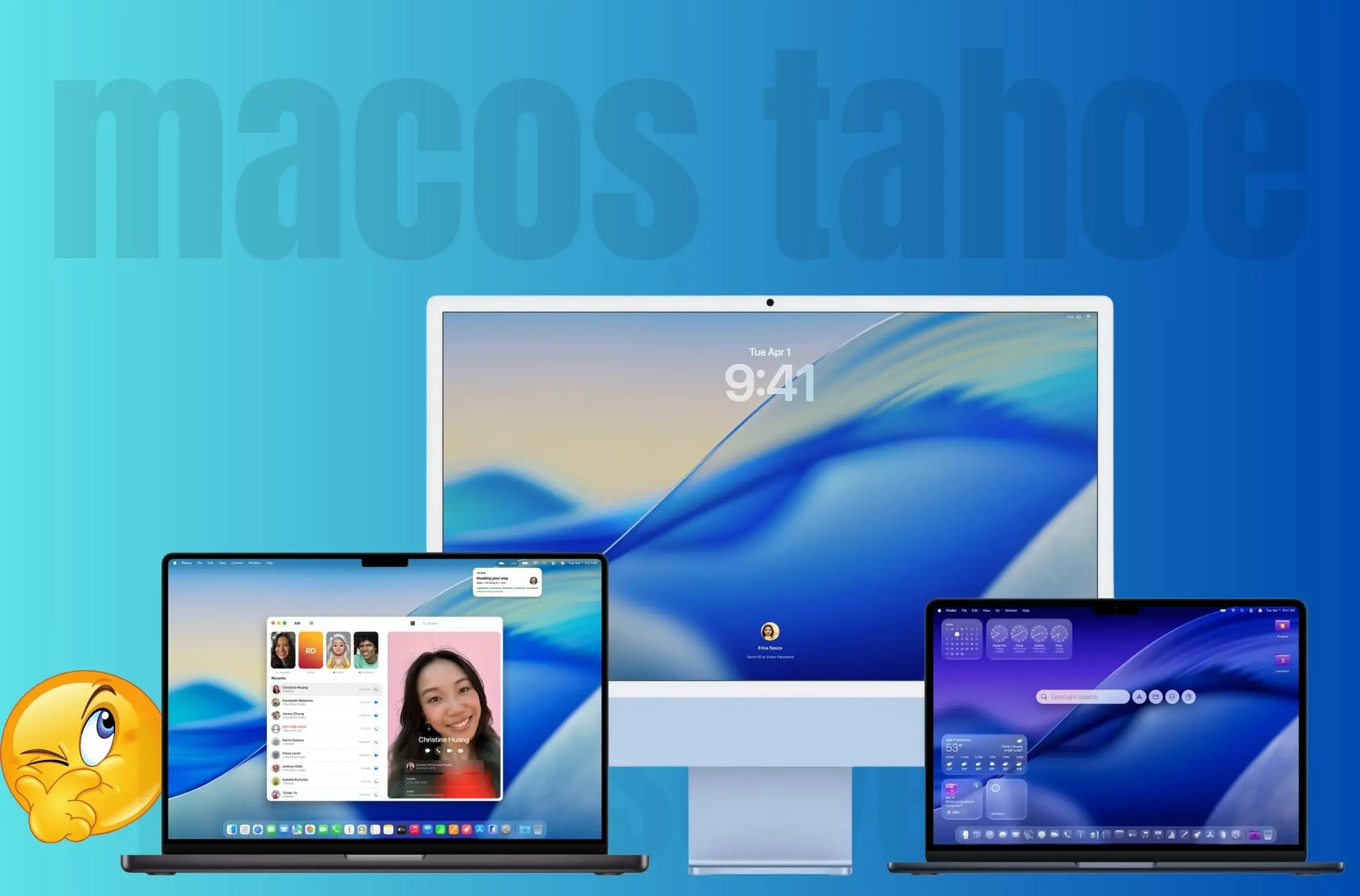
Apple’s computer macOS 26 Tahoe just dropped, right alongside iOS 26, and it’s tempting to smash that “Upgrade” button the second you see it pop up. But hold on a sec — before you dive in, let’s break this down like you and I are just chatting over coffee.
What’s New in macOS Tahoe 26
First off, Tahoe brings that flashy new Liquid Glass UI — super sleek, semi-transparent panels, blurred layers, and way more fluid animations. It looks futuristic, no doubt. Apple’s also pushing expanded AI features here (branded as Apple Intelligence), including smarter writing tools, system-wide summaries, and on-device processing for privacy.
Plus, there’s better Apple Music AutoMix on Mac, an updated Safari with built-in web page summaries, and a cleaner Control Center that’s finally customizable. So yeah — feature-wise, this is a pretty major update.
One thing longtime Mac users might not love is that Safari’s Compact Tabs Are Gone in macOS 26 Tahoe, forcing everyone back to the older wide-tab design — and this change has sparked mixed reactions from power users.
⚠️ Note: Launchpad is gone in macOS 26 Tahoe, so if you rely on it daily, this might feel like a big change.
Should You Update to macOS Tahoe 26? — Pros vs Cons
| Pros (Why You Should Update Now) | Cons (Why You Might Want to Wait) |
|---|---|
| 🚀 Fresh new Liquid Glass UI with modern animations | 🐛 Early bugs and glitches can break workflow |
| 🤖 New AI tools for writing, summarizing & organizing | ⚡️ Possible performance drops on older Intel Macs |
| 🎧 Enhanced AutoMix and smarter features | 🧩 Some apps and plug-ins may not be compatible yet |
| 🖥️ More customization options in Control Center | 📉 Battery drain or overheating issues on some laptops |
| 🔒 Stronger privacy & on-device processing for AI | 🕒 Takes time to install and set up |
| 💻 Optimized for newer / (Apple Silicon) | 🐛 Early bugs and glitches can break the workflow |
Why You Might Want to Wait
Here’s the thing: big macOS updates almost always come with early bugs — weird battery drain on laptops, random app crashes, or older third-party apps not playing nice at first. And if you rely on your Mac for work or school, those bugs can be a nightmare.
Also, some older Intel-based Macs can feel a bit sluggish right after a big update like this. So if you’re not in a rush, waiting for macOS 26.1 or .2 might save you a few headaches.
Helpful – How to Downgrade macOS 26 Tahoe to macOS Sequoia
When It’s Safe to Go For It
If you’ve got a newer Apple Silicon Mac (like MacBook Pro, MacBook Air, or Mac Studio), and you don’t rely on mission-critical third-party apps every single day, then yeah — go ahead and update.
Just make a full Time Machine backup first (can’t stress this enough), then install Tahoe when you’ve got a bit of downtime. The experience is buttery smooth on newer Macs, and you’ll get to enjoy all the new stuff right away.
✅ Ready to try it? Download macOS 26 Tahoe Official Installer
My Verdict
If you’re curious and like living on the cutting edge, and your Mac isn’t your lifeline for daily work, go for it now.
If you need rock-solid stability and can’t risk bugs, hold off a few weeks for the first bug-fix update to drop.
Either way, macOS 26 Tahoe is definitely the future — it’s just about whether now is the right time for you to jump in.