Quick Takeaway
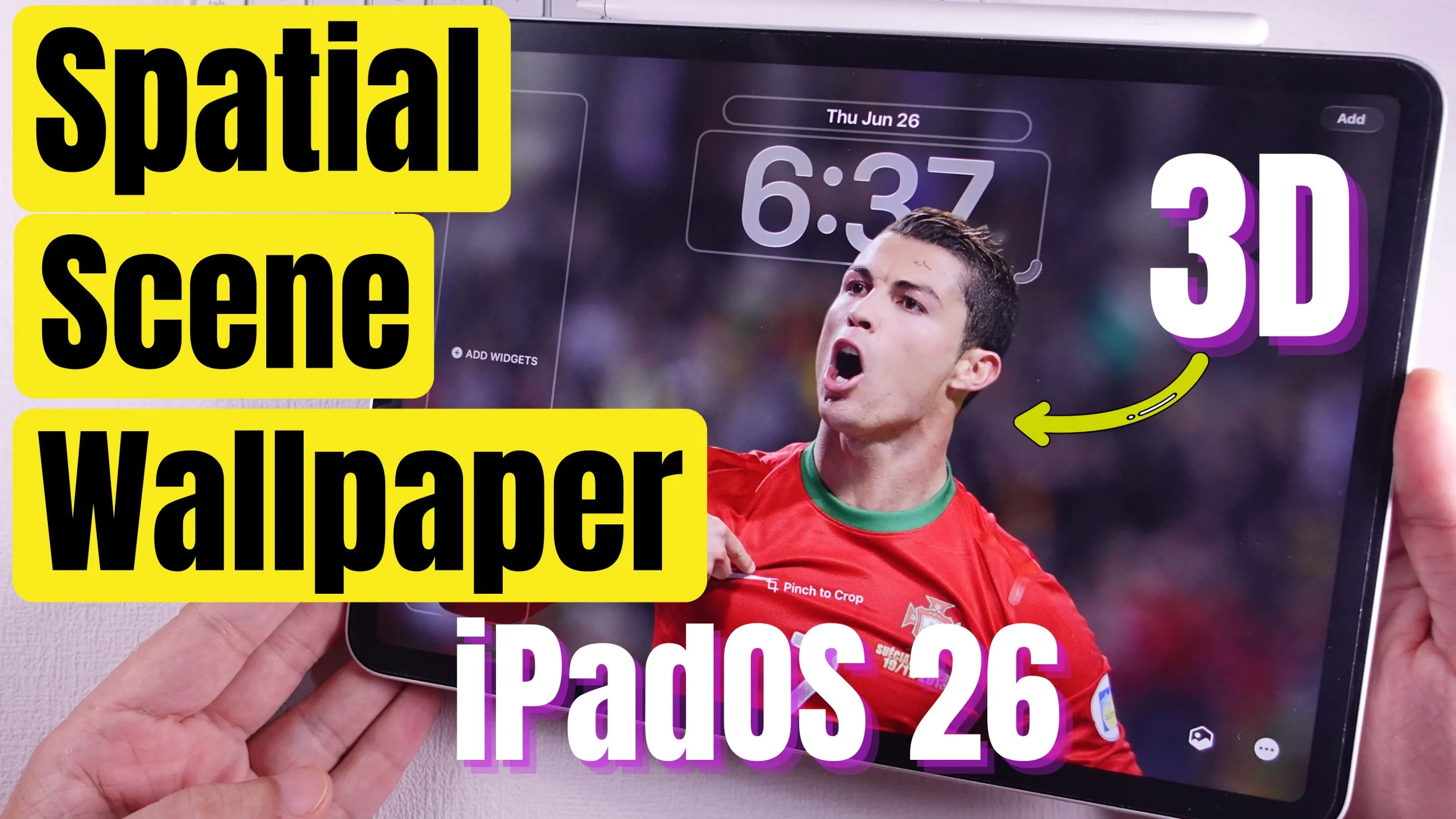
- In the iPadOS “Create a custom Lock Screen” guide, Apple says: “On supported models, you can try a spatial scene for a new 3D effect …”
- iPadOS 26 is the version which introduces Spatial Scenes (or supports it) alongside other features like Liquid Glass.
- iPadOS 26 is compatible with iPads that have an A12 chip or later.
Which iPads probably support Spatial Scenes
Given the requirements (iPadOS 26 + A12 or newer + “supported models” for spatial scenes), these iPads are likely to support the feature:
| iPad Model | Chip / Notes |
|---|---|
| iPad (8th gen) | A12 |
| iPad (9th gen) | A13 |
| iPad (10th gen) | A14 |
| iPad mini (5th gen) | A12 |
| iPad mini (6th gen) | A15 |
| iPad mini (7th gen) | A17 Pro |
| iPad Air (3rd gen) | A12 |
| iPad Air (4th gen) | A14 |
| iPad Air (5th gen) | M1 |
| iPad Air (6th gen) | M2 |
| iPad Air (7th gen) | M3 |
| iPad Pro (3rd gen) | A12X |
| iPad Pro (4th gen) | A12Z |
| iPad Pro (5th gen) | M1 |
| iPad Pro (6th gen) | M2 |
| iPad Pro (7th gen) | M4 |
🔍 Know Your iPad Model Name: Check in iPad Settings (Easiest)
- Open the Settings app.
- Go to General > About.
- Look for Model Name (e.g. iPad Pro 12.9-inch (5th generation)).
- Just below it, note the Model Number (e.g. A2378).
- If you see a number starting with M (like MQXQ3HN/A), tap it once — it will reveal the actual A-number.
How to Set 3D Spatial Scene Wallpaper on iPad Lock Screen iPadOS 26
Caveats / Unclear
- “Supported models” is vague: Apple may limit the spatial scene effect to certain iPads even among those that can run iPadOS 26 (maybe based on screen hardware, motion sensors, or GPU/Neural Engine capability).
- It’s not yet 100% confirmed for every iPad with A12 or newer; some might have performance constraints or limited effects.
- Sometimes features appear in betas but get restricted for final release.