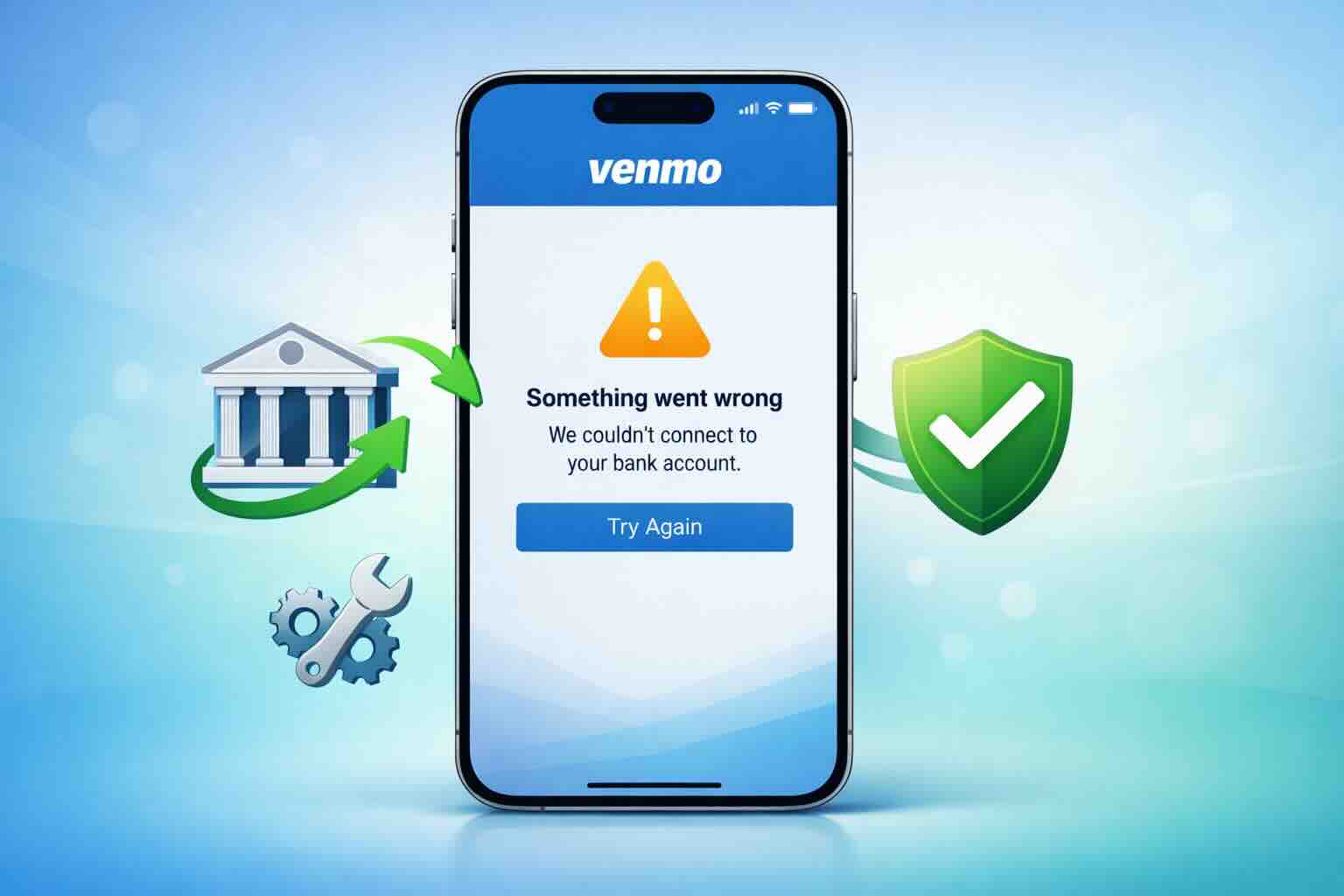
If you’re seeing the “Something went wrong getting your bank account” message in Venmo, you’re not alone. This error usually appears when Venmo is unable to properly connect to your bank, either while linking a new account or reconnecting an existing one.
The good news is that, in most cases, this issue is temporary and can be fixed with a few simple steps.
Why This Venmo Error Happens
The “Something went wrong” error is commonly caused by one or more of the following:
- Temporary Venmo server outages
- An outdated version of the Venmo app
- A broken or expired connection between Venmo and your bank
- Recent changes to your online banking credentials
As of February 3, 2026, several users have reported a recurring issue where Venmo asks them to reconnect their bank account, but the reconnection process fails with this error.
Immediate Fixes to Try First
Follow these steps in order to refresh the connection and resolve the issue quickly.
Update the Venmo App
Make sure you’re using the latest version of Venmo from the App Store or Google Play Store. Older app versions often fail to sync properly with banking servers.
Remove and Re-Add Your Bank Account
Many connection-related errors require a full reset.
- Open Venmo
- Go to your Wallet
- Remove the linked bank account
- Add the bank account again from scratch
This forces Venmo to establish a new secure connection.
Switch Your Internet Connection
An unstable internet connection can interrupt the secure handshake Venmo uses to retrieve bank details.
- If you’re on Wi-Fi, switch to cellular data
- If you’re on mobile data, try a stable Wi-Fi network
Then try linking the bank again.
Check Venmo’s Service Status
Sometimes the problem isn’t on your end. Check official updates from Venmo Support on X to see if there’s a known outage or system issue affecting bank connections.
Fixing Problems When Linking a New Bank Account
If the error appears while adding a new bank account, these additional steps can help.
Use Manual Bank Verification
If Instant Verification through Plaid fails, choose “Verify bank manually instead.”
This method uses small test deposits (micro-deposits) sent to your bank account and usually takes 1–3 business days, but it’s more reliable for certain banks.
Re-Check Your Banking Credentials
If you recently changed your online banking password, Venmo will lose access until you re-authenticate. Remove the bank account and link it again using your updated credentials.
Confirm Your Bank Allows ACH Transfers
Some accounts may have restrictions:
- Certain savings accounts
- Smaller credit unions
- Accounts with limited electronic transfer permissions
These restrictions can trigger generic errors like “Invalid” or “Something went wrong.”
How to Contact Venmo Support
If none of the steps above fix the issue, Venmo Support can manually revalidate your account.
- In-App Chat:
Open Venmo and go to
Me → Settings → Get Help - Phone Support:
Call (855) 812-4430
Available 8:00 AM – 8:00 PM Central Time
Final Thoughts
The “Something went wrong getting your bank account” error on Venmo is usually caused by connection issues, app updates, or temporary system problems. In most cases, updating the app, re-adding your bank account, or switching to manual verification resolves the issue.
If the error continues after troubleshooting, contacting Venmo Support is the fastest way to restore full access to your bank account.