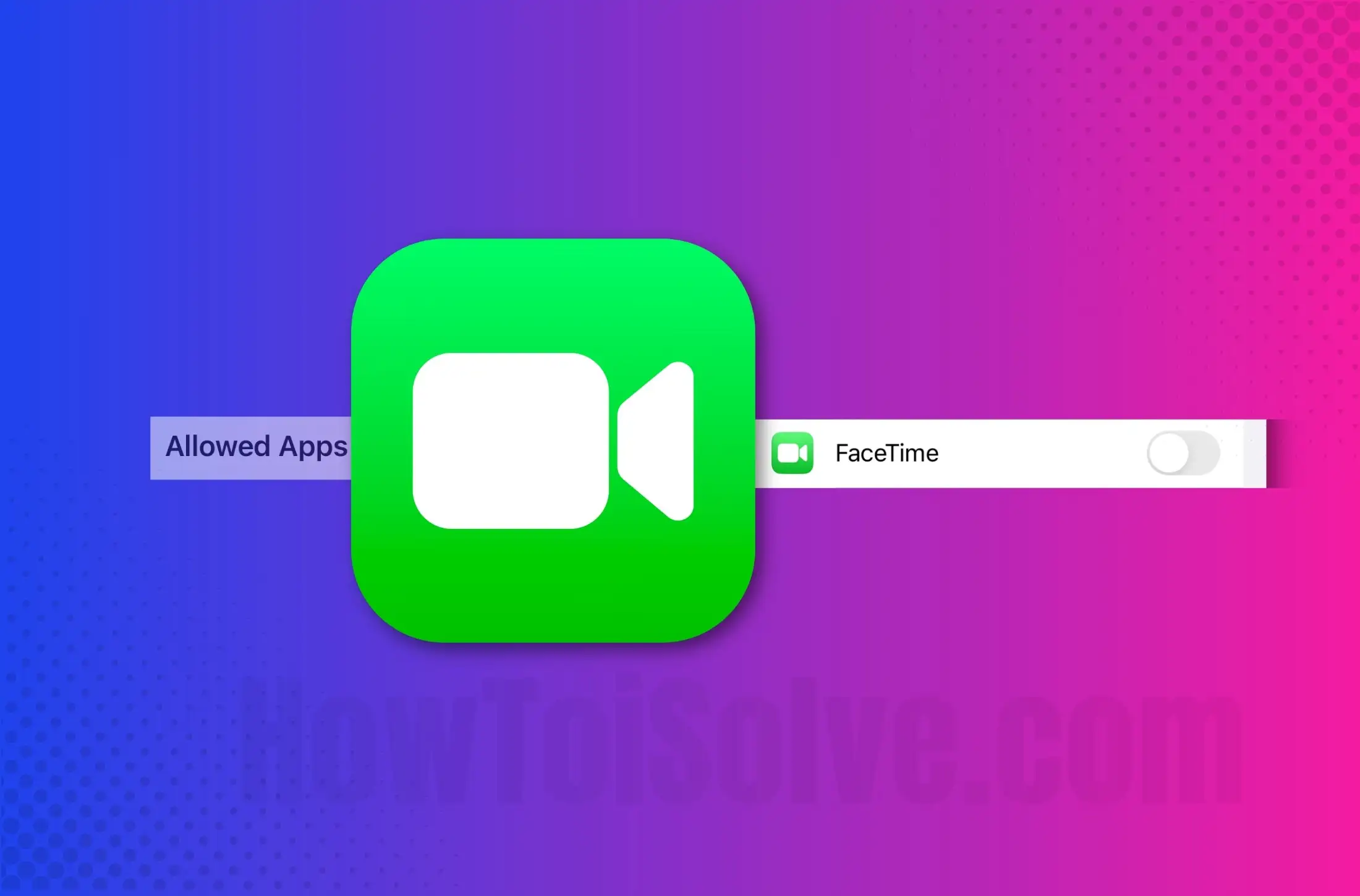
The FaceTime icon is missing, or the FaceTime option is unavailable in settings for iPhone and iPad. The main reason is the restrictions. It’s a privacy-protected feature of the iOS device that lets iOS users block specific items, hide apps on the home screen of online-constraint websites, and disable many features for their own matter.
We use FaceTime and iMessage on iPhones more often than other apps after Whatsapp and Facebook. So, without both apps, the iPhone seems like a dead device. So think more. If the FaceTime app icon is not showing up on your iPhone at that time, you might be experiencing discomfort cause you cannot do FaceTime audio or video calls. So still, if you pass this issue, it means the FaceTime option is not available on the settings iPhone (latest iOS); you must try here given clues.
Alternatives to fix the FaceTime option not available in the settings on iPhone, iPad
Before following the steps below, please check your Phone app library; sometimes, the App icon appears in the App library but not on the home screen.
Solution #1. The FaceTime app may be under restrictions
Suppose your FaceTime icon is not showing on iMessage or on the home screen; then you can reset the Home screen layout or follow the steps below. With this guide, you can put the FaceTime icon back on the Home Screen.
- Open the Settings app
- Tap Screen Time
- Select Content & Privacy Restrictions
- Tap Allowed apps > You’ll be asked to enter the restrictions passcode; enter it and go next. [Forget Screentime passcode: learn how to reset Screen Time passcode]
- Now make sure FaceTime and Camera app options are ON under the Allow label
- If turned off, then turn FaceTime & Camera toggle ON.
You’re done!
I hope that now the FaceTime option will be available in the Settings on iPhone. If not appear, then follow the next solution.
Solution #2. Make sure your iOS Device supports FaceTime
The FaceTime app might not be available or appear on devices purchased or used in Pakistan, the UAE (United Arab Emirates), or Saudi Arabia.
If the above ways are correct, and you see the same error, you should update your device to the latest version of iOS.
Get More – How to Fix Facetime handoff not working
If you can’t hear other people on FaceTime, though, I think your iPhone Mic is not working correctly. So don’t worry – Get troubleshooting – Fix FaceTime Microphone not working on iPhone.