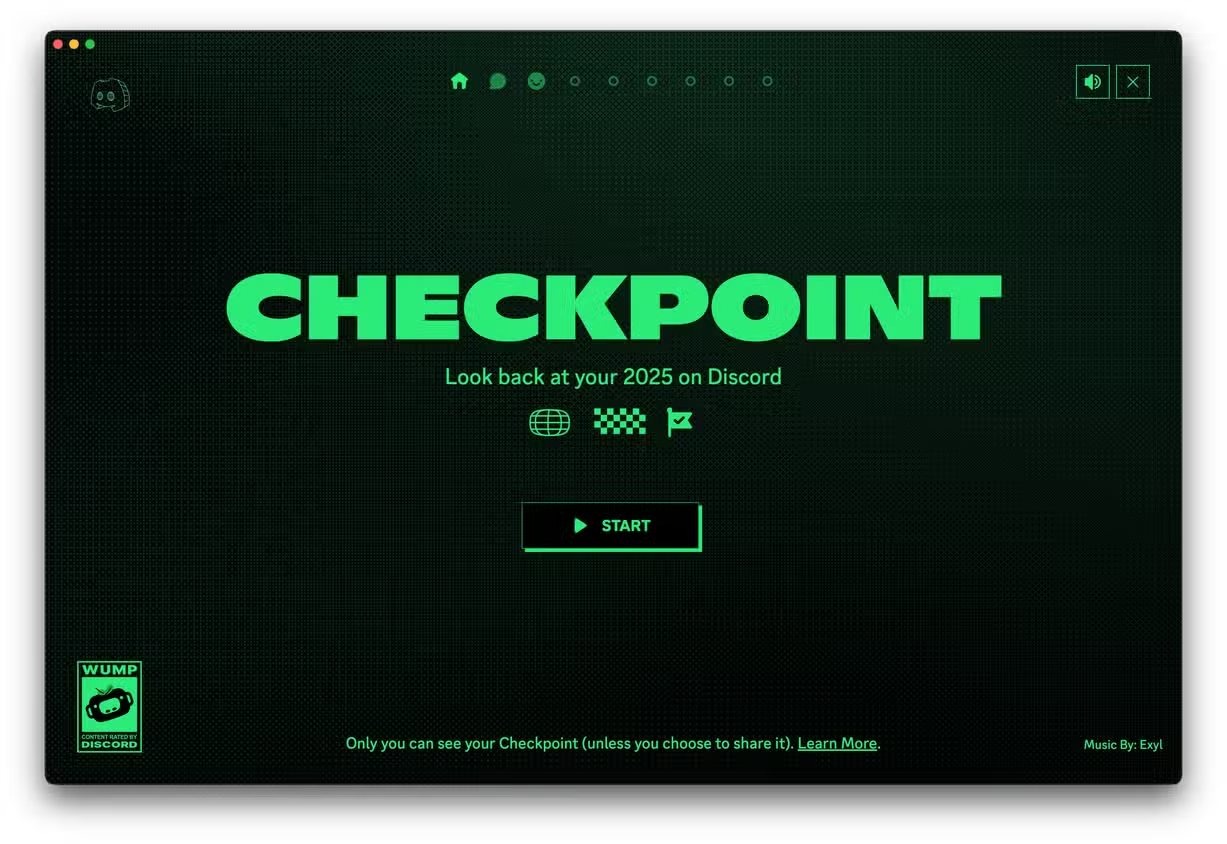
Discord has finally released Discord Wrapped, officially known as Discord Checkpoint 2025—a personalized yearly recap showing your top servers, most-used emojis, message count, favorite friends, and more. If you want to view your full Discord recap, here’s a simple guide that works for both mobile and desktop.
Discord Wrapped highlights your year in a fun stats-based format. You can see how many messages you sent, which servers you were most active in, your top games, and your overall activity summary. Before opening your recap, make sure your app is fully updated.
How to See Discord Wrapped (Checkpoint 2025)

Step 1: Update Discord
Go to the App Store or Google Play Store and update the Discord app. Desktop users can refresh the app using CTRL + R (Windows) or CMD + R (Mac).
👉: How to update Discord to see Checkpoint
Step 2: Open the Checkpoint Section
- On Mobile: Tap the U Tab in the bottom-right corner and select the Checkpoint banner.
- On Desktop: Look for the flag icon on the top-right corner of the Discord window.
Step 3: Turn On Data Personalization
If Wrapped doesn’t appear, Discord may not have collected the activity data needed.
Go to Profile → Settings → Privacy & Data → Enable “Use data to personalize my Discord experience.”
Once this is on, restart the app and check again.
If Discord Wrapped Is Not Showing
The feature may still be rolling out, or your activity might be too low. Follow full fixes here: