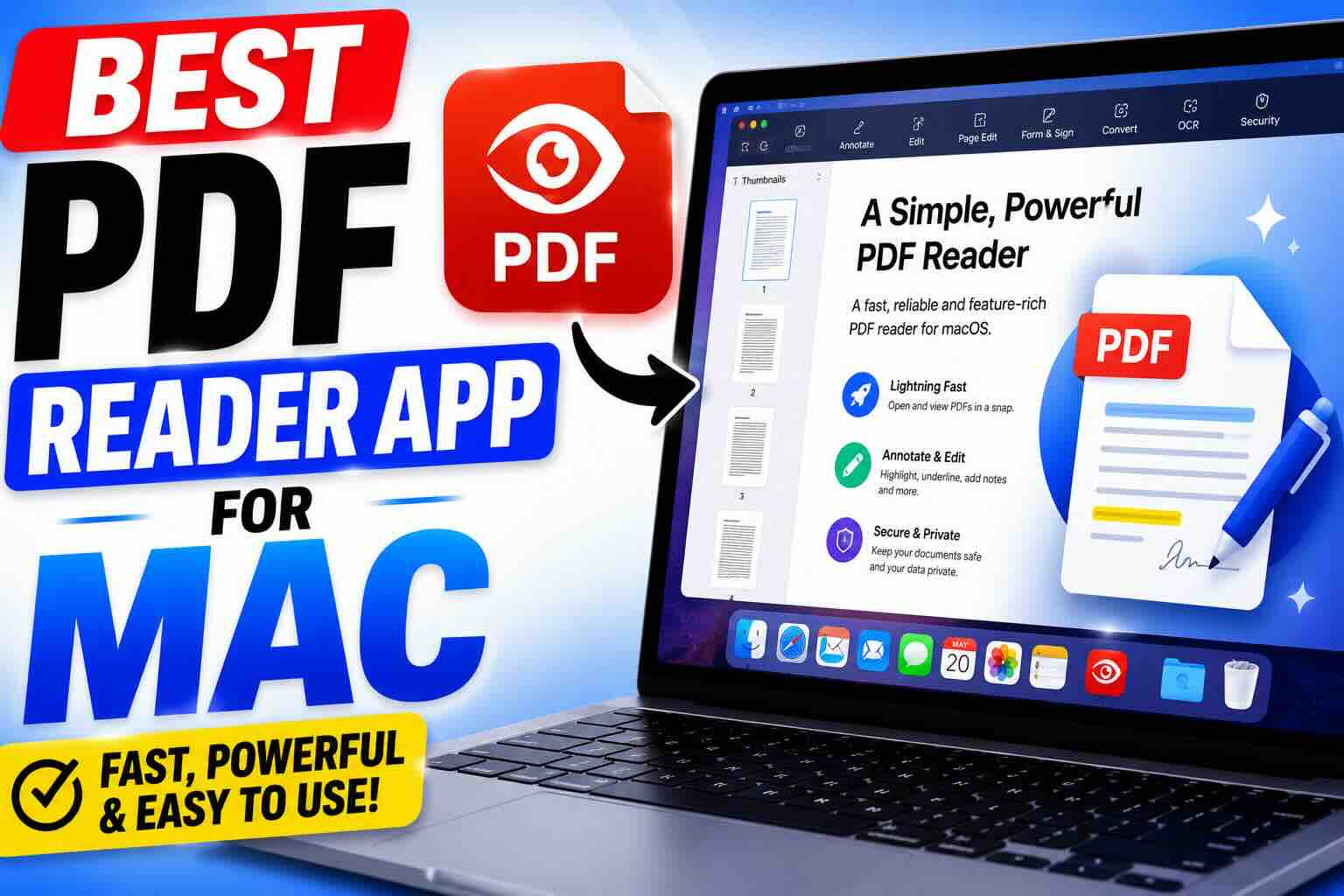
If you own a Mac, chances are you work with PDF files almost every day. Whether you’re reading ebooks, reviewing business documents, signing contracts, filling out forms, or annotating research papers, having the right PDF reader can make your workflow much easier.
The good news is that Mac users have several excellent options available. The bad news is that not every PDF app is designed for the same purpose. Some focus on speed and simplicity, while others offer advanced editing, document signing, OCR, and collaboration tools.
After testing and comparing the most popular PDF applications available for macOS, we’ve found that the best choice depends largely on how you use PDFs.
Best Overall PDF Reader for Most Mac Users
1) Apple Preview
For the vast majority of Mac users, Apple Preview remains the best PDF reader available.
Since it comes pre-installed with macOS, you don’t need to download anything or pay for a subscription. It’s lightweight, fast, and surprisingly powerful for everyday tasks.
With Preview, you can:
- Open and read PDF files instantly
- Highlight and annotate documents
- Add notes and comments
- Fill out PDF forms
- Sign documents electronically
- Combine multiple PDFs into one file
- Rearrange or delete pages
Many users are surprised by how much Preview can do without spending a dime. Unless you regularly edit PDF text or require advanced business features, Preview is often all you’ll ever need.
Pros
- Completely free
- Pre-installed on every Mac
- Fast and lightweight
- Excellent annotation tools
- Supports PDF signatures
Cons
- Limited advanced editing
- No professional OCR capabilities
Best PDF Reader for Professional Use
2) Adobe Acrobat Reader
When it comes to PDF files, Adobe practically invented the format. That’s why Adobe Acrobat Reader continues to be the industry standard for businesses, government agencies, and enterprise environments.
If you frequently work with complex PDF forms, digital signatures, protected documents, or corporate workflows, Acrobat remains one of the most reliable solutions available.
Professional users appreciate Acrobat because it offers:
- Advanced form support
- Secure document handling
- Enterprise-grade security features
- Cloud collaboration tools
- Integration with Adobe services
While the Reader version is free for viewing and basic annotations, many advanced features require a subscription to Adobe Acrobat Pro.
Pros
- Industry-standard PDF compatibility
- Excellent security features
- Reliable form support
- Strong business integrations
Cons
- Can feel heavy compared to Preview
- Advanced features require a subscription
Best PDF Reader for Power Users
3) PDF Expert by Readdle
Among Mac enthusiasts, PDF Expert has developed a loyal following for good reason.
The app feels like it was designed specifically for macOS. The interface is clean, modern, and incredibly responsive. Everything from opening large documents to annotating files feels smooth and intuitive.
PDF Expert offers:
- Advanced PDF editing
- Fast document navigation
- Annotation and markup tools
- PDF merging and organization
- Form filling and signing
- OCR support on supported plans
Many users prefer PDF Expert because it combines professional features with a user-friendly experience. Unlike some competitors, it doesn’t overwhelm users with complicated menus.
Pros
- Beautiful Mac-native design
- Fast performance
- Advanced editing features
- Easy to learn
Cons
- Premium features require payment
- More expensive than basic alternatives
Best PDF Reader for Students and Researchers
4) Skim
If you’re a student, professor, researcher, or academic professional, Skim deserves serious consideration.
Unlike many PDF readers that focus on business workflows, Skim is specifically designed for reading and annotating research papers.
It excels at:
- Academic note-taking
- PDF markup
- Citation extraction
- Research organization
- Reviewing scientific papers
Best of all, it’s completely free and open source.
Researchers often choose Skim because its annotation tools are built around academic workflows rather than corporate document management.
Pros
- Completely free
- Open source
- Excellent academic tools
- Lightweight and fast
Cons
- Interface looks dated
- Not ideal for business users
Which PDF Reader Should You Choose?
Choosing the best PDF reader for your Mac ultimately depends on your needs.
If you simply want to read, annotate, highlight, and sign documents, Apple Preview is the easiest recommendation and the best choice for most users.
If you work with complex forms, business documents, and secure enterprise workflows, Adobe Acrobat Reader remains the industry standard.
If you want a modern interface with powerful editing capabilities, PDF Expert offers one of the best user experiences available on macOS.
And if you’re a student or researcher who spends hours reading academic papers, Skim provides specialized tools that few competitors can match.
Final Verdict
For most Mac owners, Apple Preview is still the best PDF reader app. It’s free, built into macOS, and capable of handling the majority of everyday PDF tasks without requiring additional software.
However, power users, professionals, and researchers may benefit from dedicated alternatives such as Adobe Acrobat Reader, PDF Expert, or Skim depending on their workflow.
The best PDF reader isn’t necessarily the one with the most features. It’s the one that fits how you work every day.