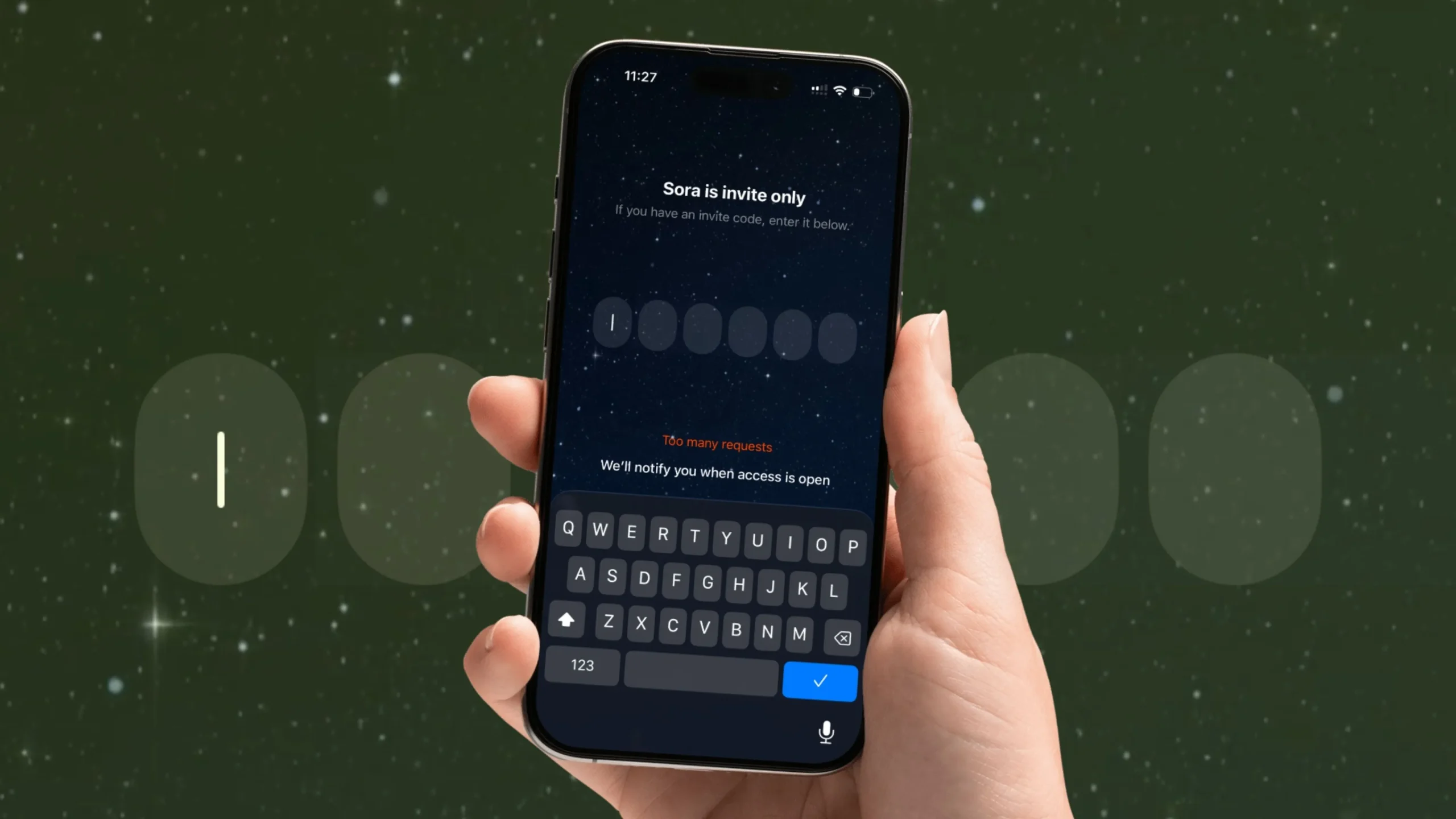
OpenAI has just launched Sora 2, the next version of its viral AI video-generation app. It’s still invite-only and currently exclusive to iOS, so you’ll need a valid Sora 2 invite code to get in.
This megathread is for our U.S. readers and global Sora fans to share spare codes and find unused ones—all in one place.
Update Alert: We’ll be dropping the new Sora 2 invite code this Sunday – November 2nd between 10 AM and 5 PM — so be sure to come back to this page during that time. You don’t wanna miss it!
How This Megathread Works
- Drop Your Spare Codes:
If you have an unused or extra Sora 2 invite code, post it in the comments section below. - Grab an Unused Code:
Browse through the latest comments. Codes go fast—try the most recent first. - Be Respectful & Honest:
- Mark your code as “CLAIMED” once it’s used.
- Don’t spam or resell codes.
- Remember: all codes are first-come, first-served. - Check Back Often:
We’ll keep this post updated daily, and readers will drop fresh codes as they become available.
How to Redeem a Sora 2 Invite Code on iPhone
- Download Sora 2 App:
Open the App Store → Search “Sora 2” → Download. - Sign in With an OpenAI/ChatGPT Account:
Use the same email and password tied to your OpenAI account. - Enter the Invite Code Prompt:
When prompted, type or paste your invite code.
Make sure there are no extra spaces or typos. - Start Creating Videos:
Once verified, you’ll get full beta access.
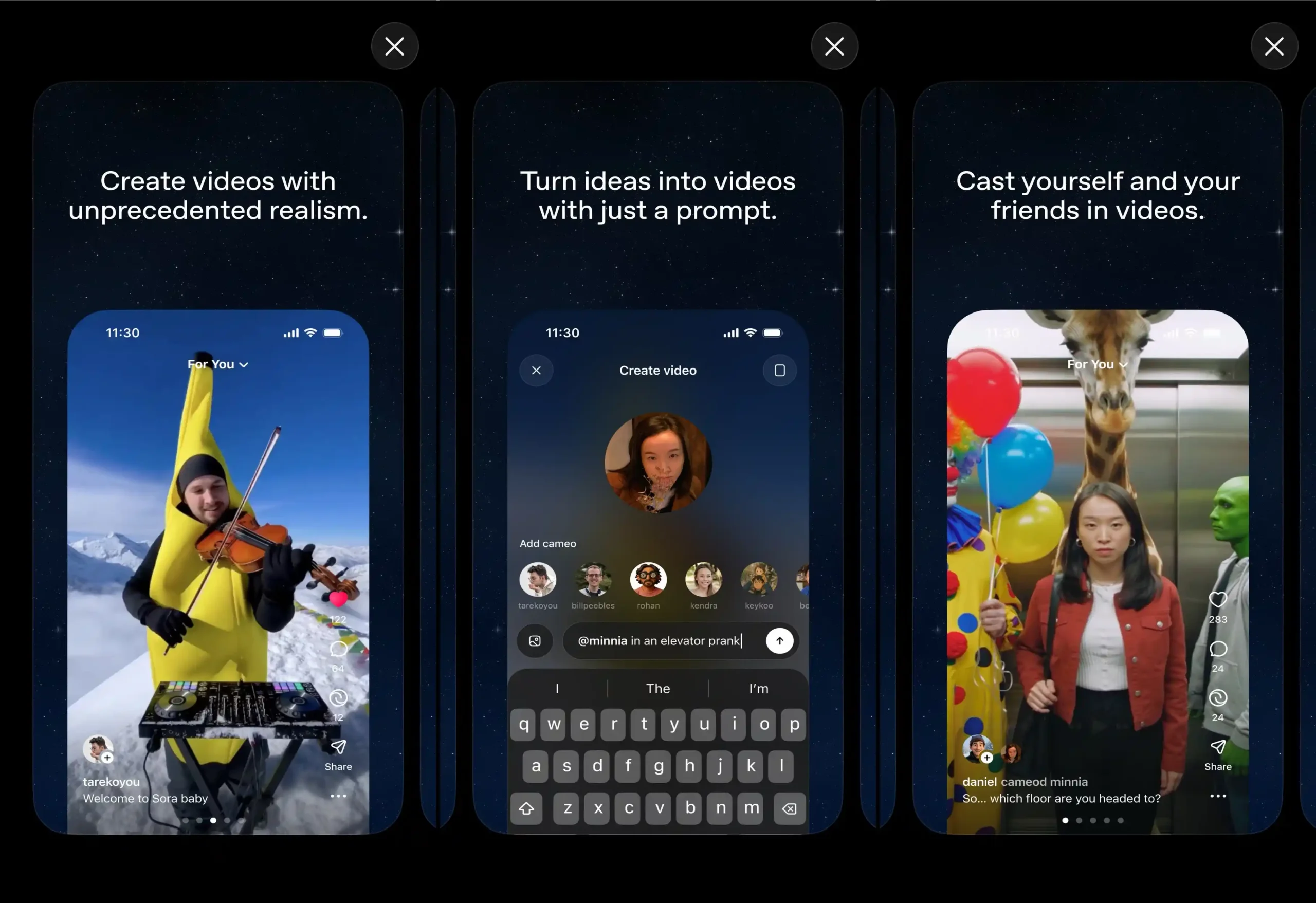
Tips for Getting a Working Code
- Refresh Often: Codes posted in the last 5–10 minutes are most likely unused.
- Join the Sora AI Subreddit: Look for the official “Invite-Code Megathread.”
- Follow OpenAI on X/Twitter: New waves of invites are sometimes announced there.
- Share Back: If you use a code, return the favor by sharing your own once you get one.
Troubleshooting Invite Errors
If you enter a code and get an “Invite Error Code” or “Code Already Used” message:
- Double-check for typos or extra spaces.
- Try a different code—it may already be claimed.
- Update the Sora 2 app to the latest version in the App Store.
- If problems persist, see our guide: How to Fix Sora App Not Working.
Stay Updated
We’ll refresh this page with any official updates from OpenAI—including new invite-code drops or Android release dates. Bookmark this post and check back whenever you need a code or have one to share.
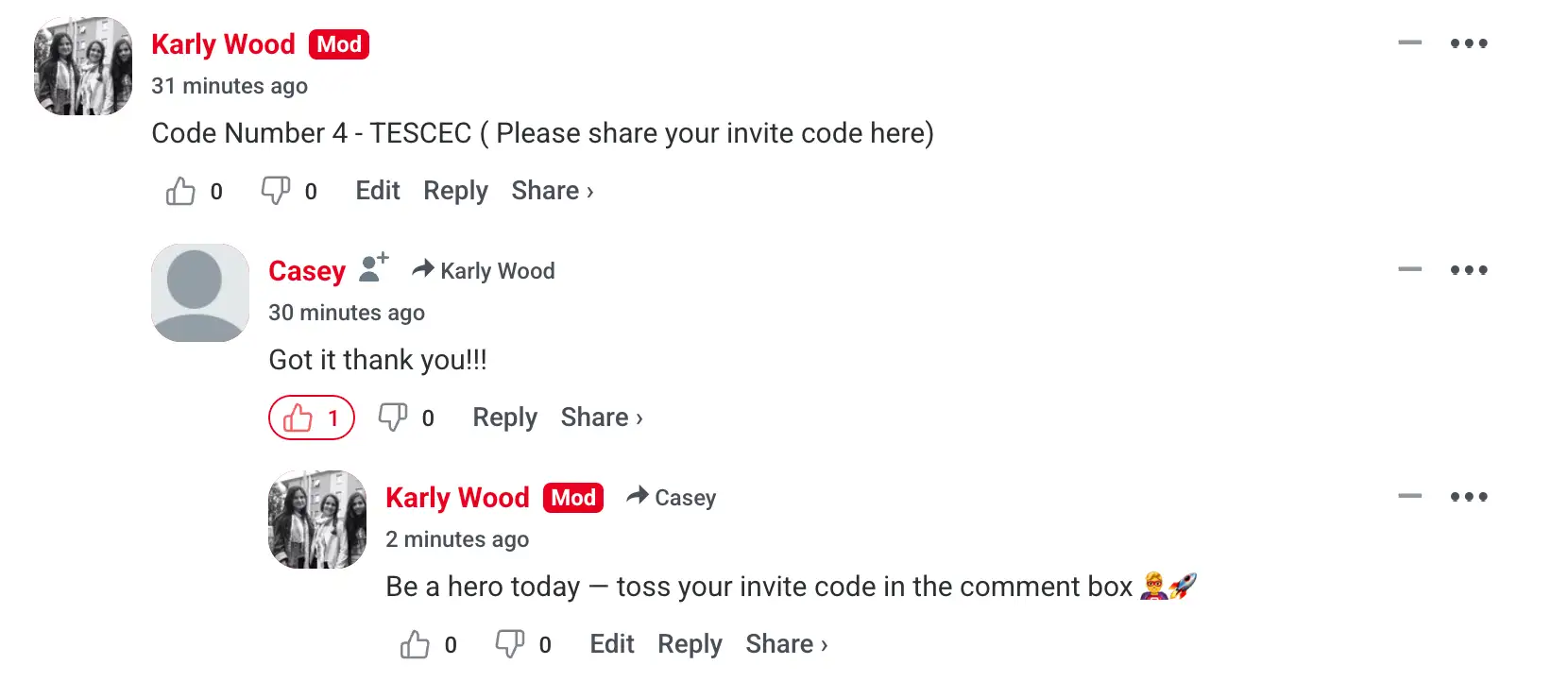
Proof That My Sora 2 Invite Code Worked – See Comments Below
How Users with Sora App Access Can Get an Invite Code
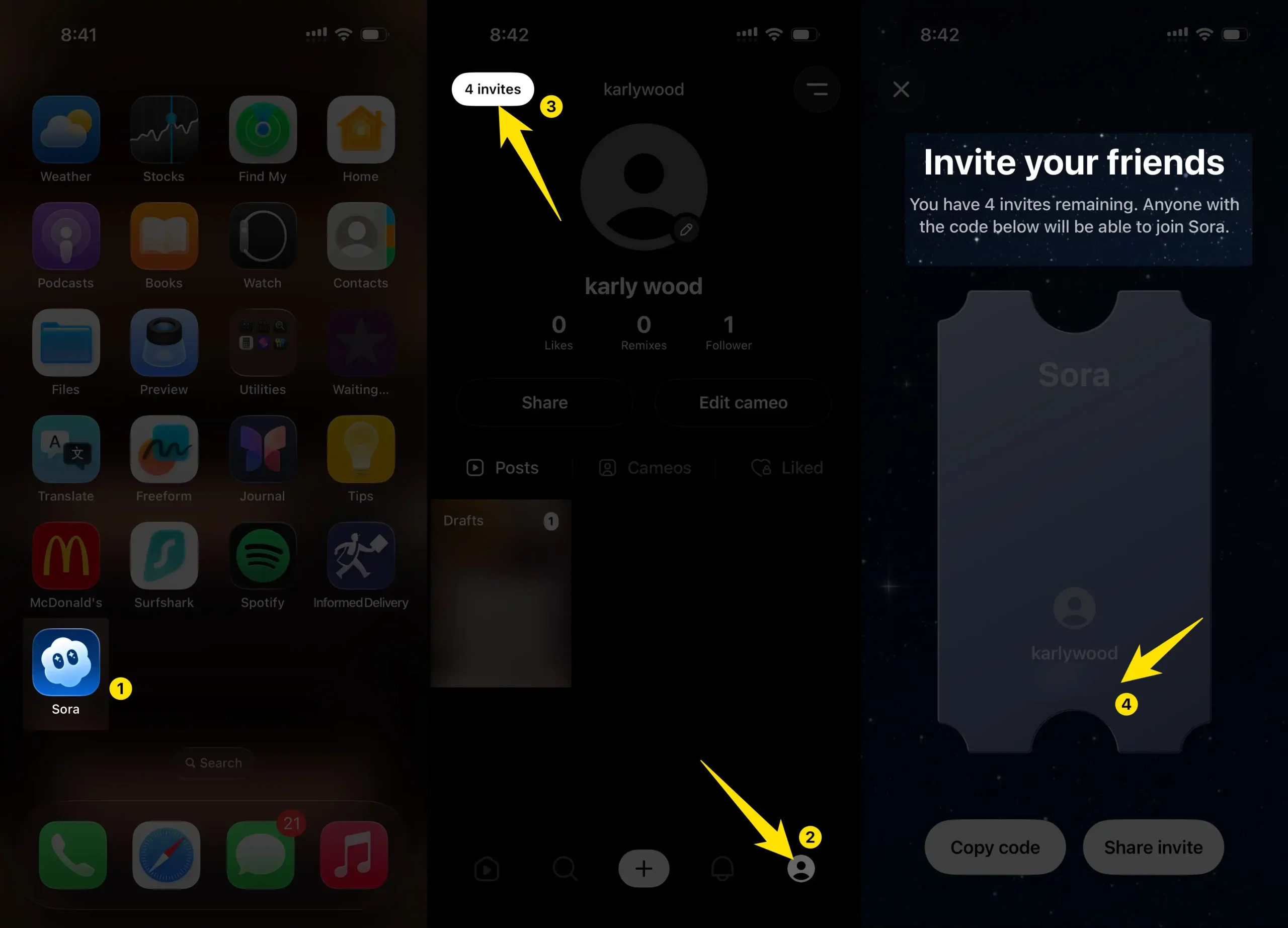
Open the Sora App, tap the Profile icon in the bottom-right corner, then tap “4 Invites” at the top-left. You’ll see the Invite Code screen, where you can share up to 4 codes with friends to join Sora.
Community Etiquette
- ✅ Post valid codes only.
- ✅ Say “CLAIMED” after using someone else’s code.
- ❌ No reselling or fake codes.
- ✅ Help each other out to get more people testing Sora 2.
Closing Note
The Sora 2 Invite Code Megathread is all about community sharing—making it easier for U.S. iPhone users and global testers to join the beta.
Got a working code? Drop it in the comments. Need one? Check the newest replies first.
Together, we can encourage more creators to experiment with OpenAI’s next-generation AI video app.