Sending money through Venmo is usually fast and convenient, but what happens if you accidentally send money to the wrong person? Many users search for ways to cancel a Venmo payment, especially after making a mistake during checkout or sending money too quickly.
The important thing to know is that Venmo payments are generally instant and cannot be canceled once completed. However, there are still a few situations where you may be able to stop or recover your payment.
In this guide, we’ll explain exactly how to cancel a pending Venmo payment, what to do if the payment is already completed, and how to avoid sending money to the wrong account in the future.
Can You Cancel a Venmo Payment?
The answer depends on the payment status.
- If the payment was sent to an email address or phone number that is not yet registered with Venmo, you can usually cancel it.
- If the payment was sent to an active Venmo account, the transaction is typically final.
That’s why it’s always important to double-check the recipient’s username, phone number, and profile picture before tapping the payment button.
Scenario 1: How to Cancel a Pending Venmo Payment
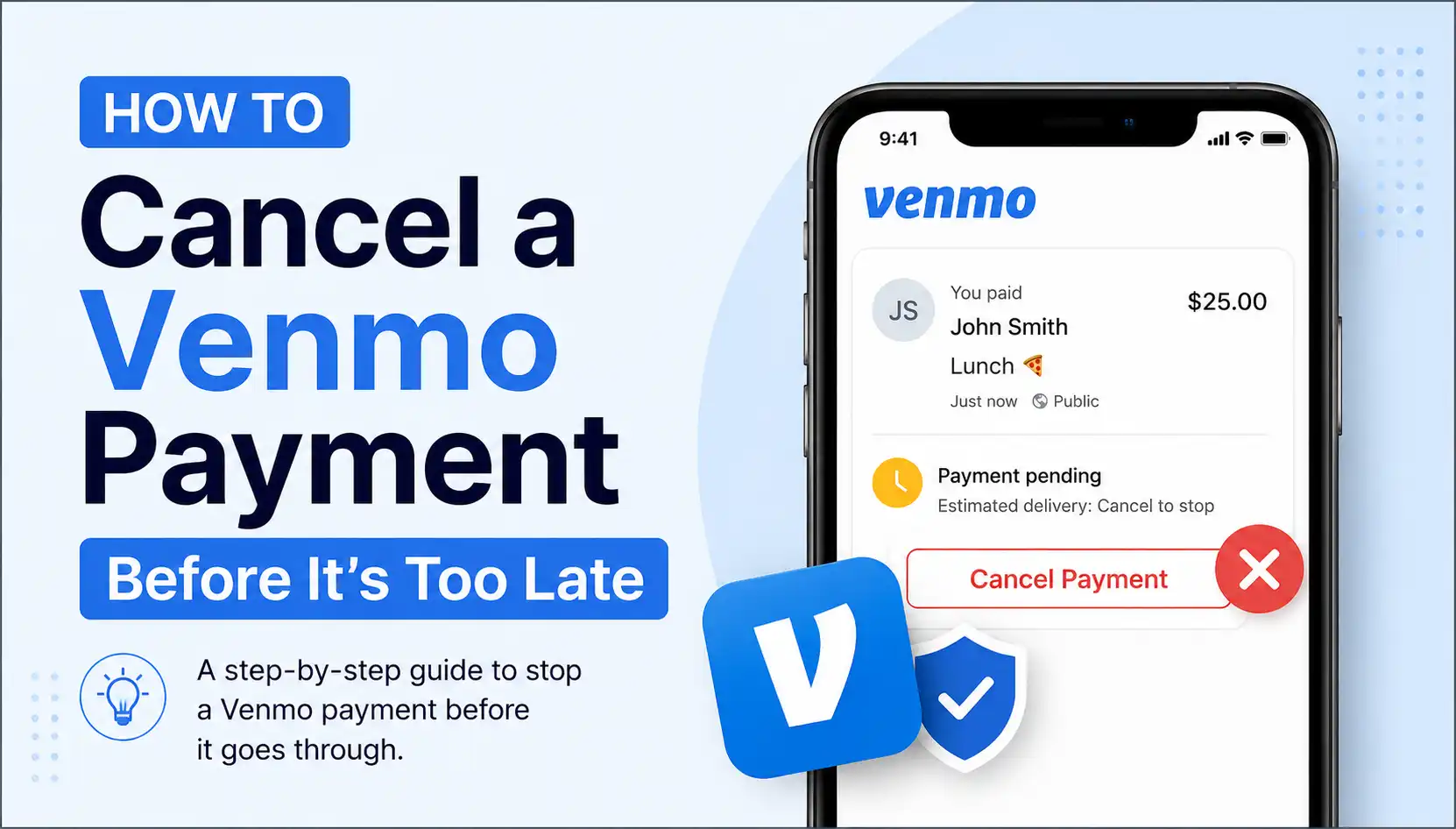
If the recipient has not created a Venmo account yet, the payment will appear as pending or incomplete. In this situation, you can take the money back.
Steps to Cancel a Pending Venmo Payment
- Open the Venmo app or sign in to your account.
- Tap the menu icon in the top corner.
- Go to your Activity or Purchases section.
- Look for the payment marked as Incomplete or Pending.
- Tap the transaction.
- Select Take Back or Cancel.
Once canceled, the money should return to your original payment method or Venmo balance.
This is the only situation where Venmo officially allows direct payment cancellation.
Scenario 2: Payment Already Sent to a Registered User
If the money was successfully delivered to an active Venmo account, you cannot directly cancel the transaction.
But don’t panic — you still have a few options.
Option 1: Request the Money Back
The easiest solution is to politely ask the recipient for a refund.
Here’s how:
- Open the Venmo app.
- Tap Request.
- Enter the exact amount you accidentally sent.
- Add a short message explaining the mistake.
Most accidental payments are resolved this way if the recipient is honest and cooperative.
Option 2: Contact Venmo Support
If the person refuses to return your money or you believe the transaction was fraudulent, contact Venmo Help Center for support.
Venmo may review the transaction and provide dispute assistance in certain scam or unauthorized payment situations.
However, because Venmo is designed for payments between trusted friends and family, refunds are not guaranteed.
Why Venmo Payments Cannot Usually Be Reversed
Unlike some traditional bank transfers, Venmo transactions process almost instantly. Once the recipient accepts the money, it moves quickly through the system.
That’s why Venmo warns users to:
- Verify usernames carefully
- Confirm phone numbers and email addresses
- Check profile photos before sending money
Even a small typo can send money to the wrong person.
Tips to Avoid Sending Money to the Wrong Person
Here are a few simple ways to stay safe on Venmo:
- Double-check the recipient’s username before sending
- Avoid paying strangers
- Confirm the recipient’s profile picture
- Send a small test payment first if needed
- Be cautious of scam accounts pretending to be someone you know
These quick checks can save you from a stressful refund situation later.
Final Thoughts
If you’re wondering how to cancel a Venmo payment, the key thing to remember is this:
- Pending payments sent to unregistered users can usually be canceled.
- Completed payments to active Venmo accounts are generally permanent.
In most cases, requesting the money back politely is the fastest solution. And if fraud is involved, contacting Venmo support immediately gives you the best chance of resolving the issue.