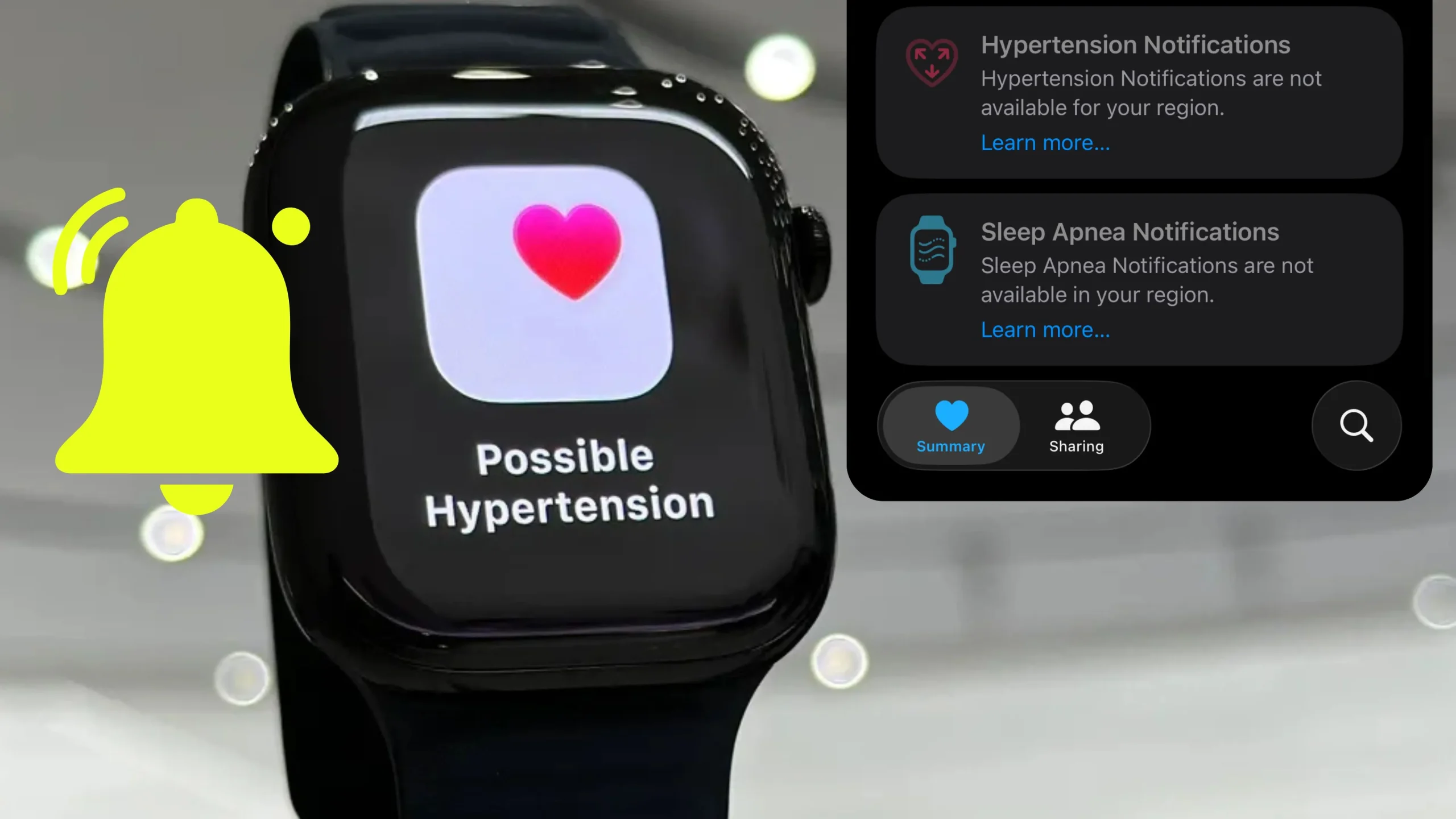
If your Apple Watch or iPhone shows “Hypertension Notifications Not Available in Your Region”, you’re not alone. This alert appears because Apple has not yet enabled the blood pressure–related Hypertension Notification feature in your country or region due to regulatory, medical, or government approval requirements.
Below is the complete explanation, reasons, supported regions, and possible workarounds.
What Does “Hypertension Notifications Not Available in Your Region” Mean?
This message simply means:
- Apple has not rolled out Hypertension Notifications in your country.
- Your regional health authorities (FDA, CE, BIS, etc.) may still be reviewing or approving the feature.
- Your iPhone/Apple Watch detects your region via Apple ID, SIM, or GPS.
Where Hypertension Notifications Are Available?
As of now (2025), the feature is either limited, region-locked, or still under rollout.
Available in:
- United States
- Canada
- European Union (selected countries)
- Australia
- UK
Not yet available in many parts of:
- Asia (including India)
- Middle East
- Africa
- South America
This is why many users—especially in India—see this error.
🔍 Why It’s Not Available in Your Region?
Here are the real reasons:
1. Regulatory Approval Required
Apple must get approval from each country’s health department before enabling medical-grade features.
2. Local Laws on Blood Pressure Measurement
Some regions regulate BP-related tech more strictly, requiring:
- Medical certification
- Government testing
- Clinical study acceptance
3. Gradual Rollout
Apple often enables new health features in phases.
How to Fix “Hypertension Notification Not Available in Your Region”
⚠️ Important:
You cannot force-enable it permanently unless Apple officially supports it in your country.
But you can try temporary methods that work for some users.
Fix 1: Change Apple ID Region
Many users unlock the feature by switching to a supported region (USA works best).
Steps:
- Open Settings on iPhone
- Tap Apple ID (your name)
- Tap Media & Purchases
- Tap View Account
- Tap Country/Region
- Select United States
- Accept terms → Continue with no payment method
Restart your iPhone & Apple Watch.
Fix 2: Change iPhone Region
- Go to Settings
- Tap General
- Tap Language & Region
- Change Region → United States
Fix 3: Turn Off SIM Location Detection
Sometimes SIM carrier identifies your actual region.
Steps:
- Go to Settings
- Tap Privacy & Security
- Tap Location Services
- Turn off Networking & Wireless
- Restart iPhone
Fix 4: Never Use VPN for Apple Health Features
Health features require real region + Apple ID region.
A VPN won’t unlock or fix this feature.
Fix 5: Wait for Official Country Rollout
Apple is rolling out Hypertension Notifications region by region.
Expected future rollout:
- India
- Singapore
- UAE
- Brazil