In Short
- Get the latest batch of emojis for your iPhone by updating to the new iOS version.
- Not only that, but you’ll also be able to access it with iOS 18.4.
- Download the iOS 18.4 emoji.ttf & .ttc emoji library.
Are you excited to see and use the trending new emojis in iOS 18 (added with the iOS 18.4 update)? Wait for more, and check the iOS 18.4 emoji pack on your Chat, Mail, and Messages. Here are the copyable emojis you can paste somewhere on your device (iPhone, Android, Mac, or Windows PC), which supports and is supported by the installed OS version.
To see this emoji on your web page, your device must be updated with the latest iOS or iPadOS and macOS Ventura or Monterey. If you still can’t see it, then wait for more until you copy the emoji and use it for your social profile [best emoji apps].
Have a Look at the new Apple emojis to copy and paste on iPhone, iPad
Get on your iPhone or iPad:Settings > General > Software Update > Download and Install. [The latest iOS also adds a New Apple emoji.] Once the installation is finished, see the new Emoji on your Keyboard. Here’s a full guide on how to add emoji to your iPhone keyboard.
Apple’s new emoji update release history,
iOS 18.6.2 – No New Emojis
iOS 18.6 – No New Emojis
iOS 18.4 Emojis
Try these new emojis available on the latest iOS 18.4, iPadOS 18.4, and macOS Sequoia 15.4 update. Download the sticker Pack from here on an unsupported device.
- The new Face emoji
- Root Vegetable
- Fingerprint emoji
- Leafless Tree
- New Flag: Sark
- Splatter
- Harp
- Shovel
iOS 17 Emojis (2023 – 2024 History)
iOS 17.4 New Emojis
The following emojis have been added to the iOS 17.4 update. You can find the names and pictures of all the emojis that are currently present in the latest iOS update. These emojis are included in the public iOS 17.4 version update in March 2023. Make sure to keep your iPhone updated for new iOS 17 features.
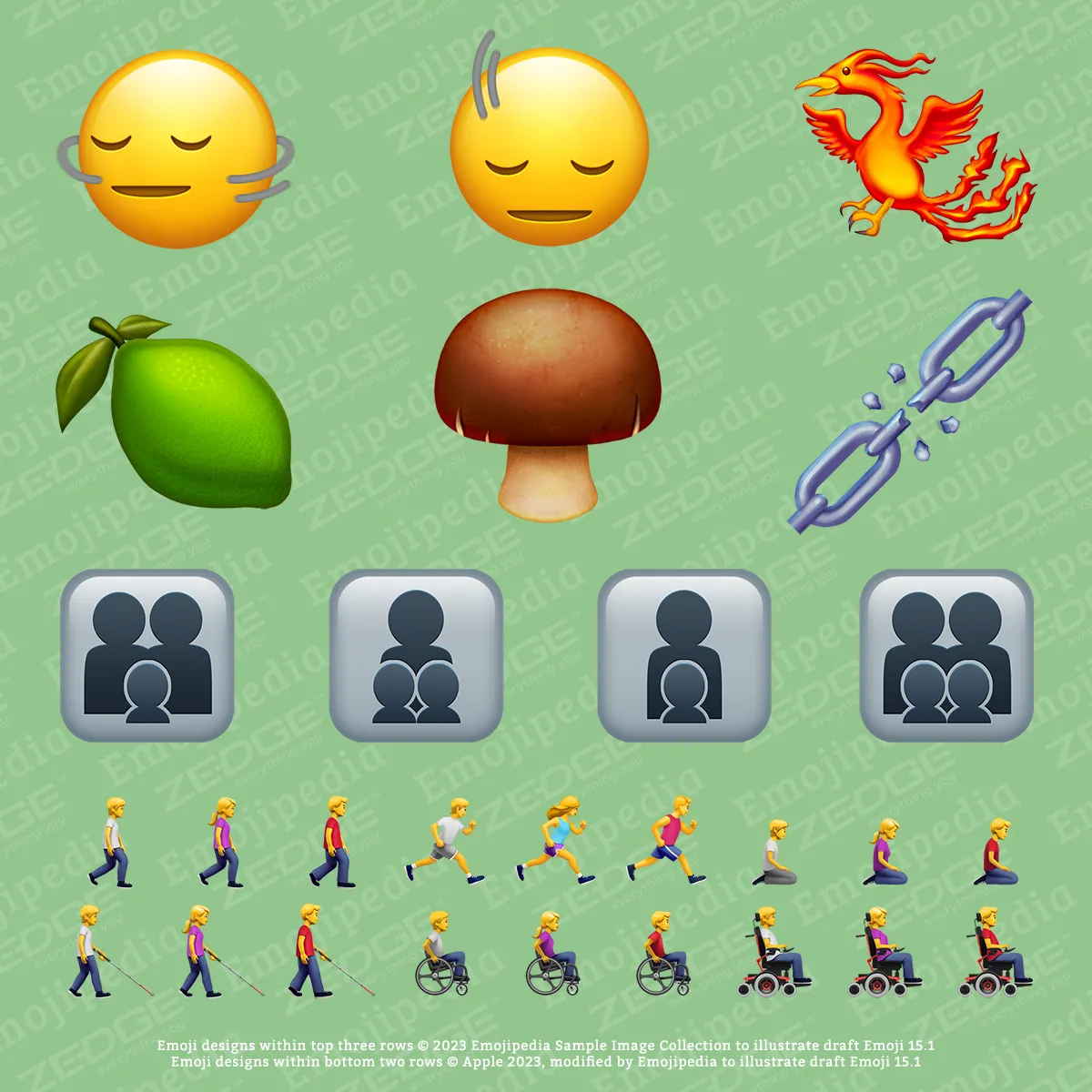
- People Emojis (Direction Based)
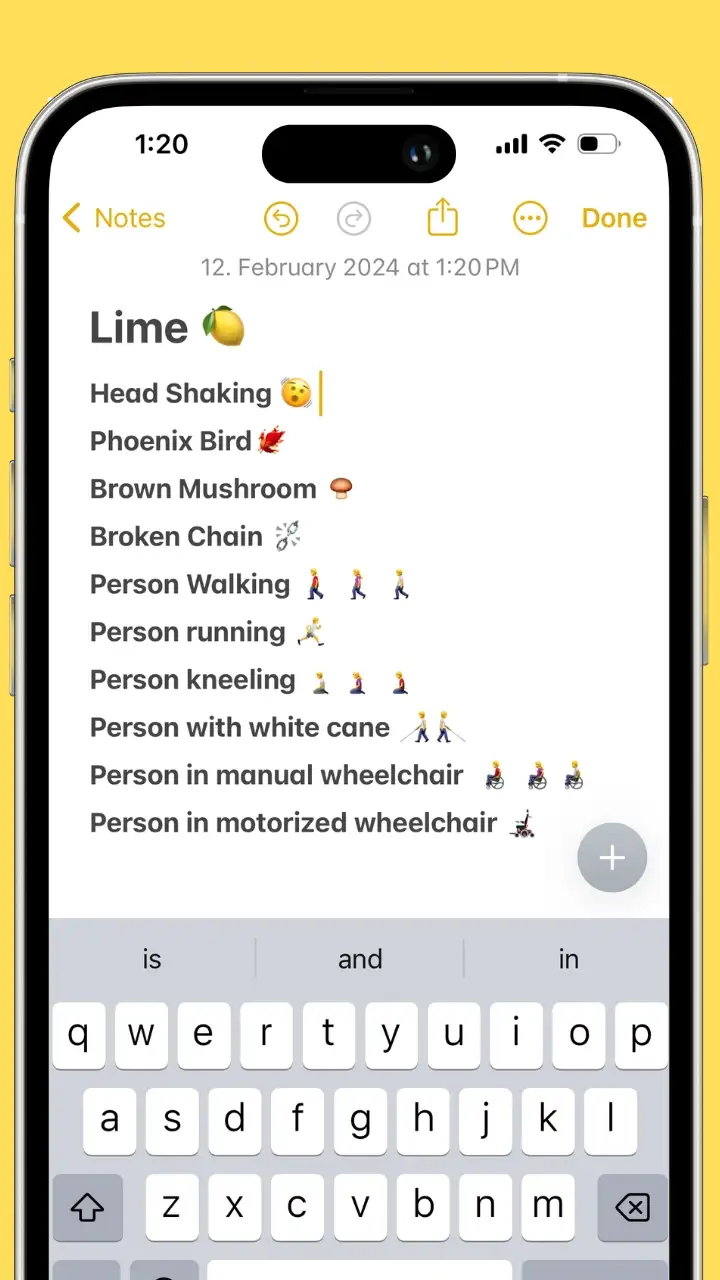
- Lime
- Head-Shaking Vertically
- Head-Shaking Horizontally
- Gender Natural Family Emojis
- Phoenix Bird
- Brown Mushroom
- Broken Chain
- person walking,
- person running
- person kneeling
- person with a white cane
- person in a manual wheelchair
- person in motorized wheelchair
iOS 16.4 (21 New Emojis)
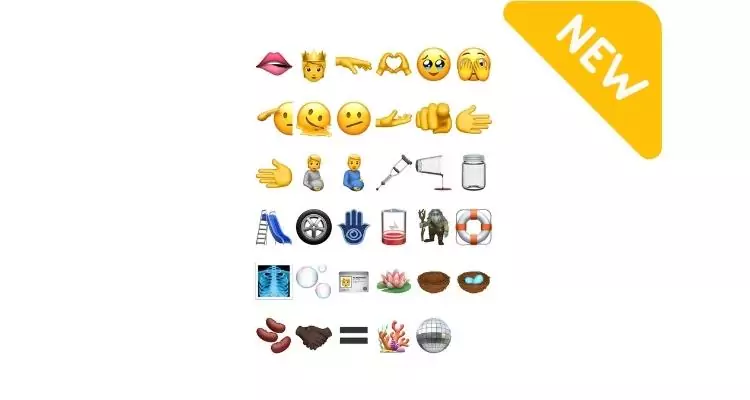
Shaking Head, Pink Heart, Light Blue Heart, Donkey, Moose, Jellyfish, Hyacinth, Ginger, Blackbird and so on…see the below screen,
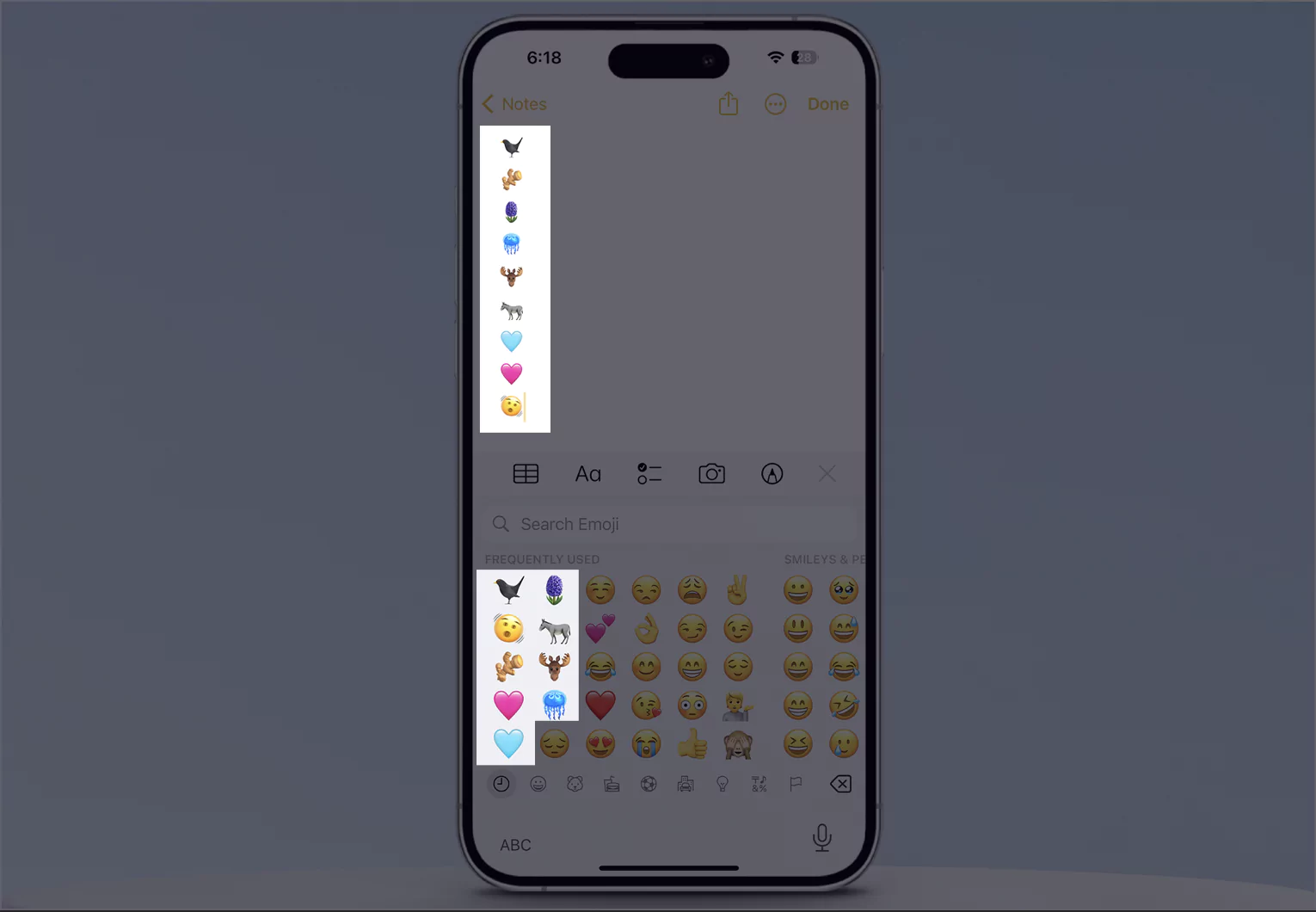
So, we have a total of 112 emojis by adding 37 new emojis and 75 skin tone emojis.
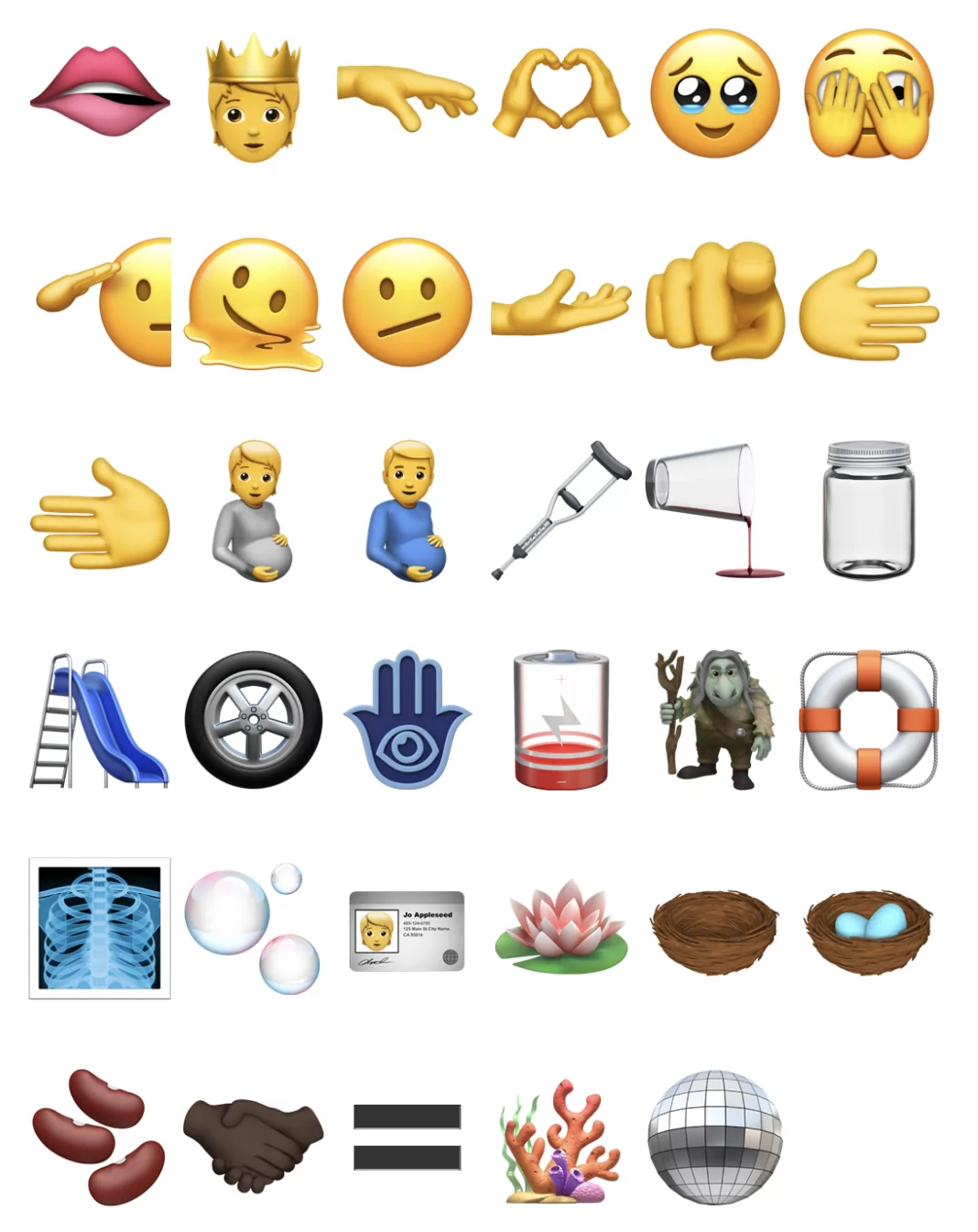
🫦🫅🫳🫶🧼🥹🫣😶🌫️🫡🫠🫤🫴🫵🫱🫲🫄🫃🩼🫗🫙🛝🛞🪬🪫🧌🛟🩻🫧🪪🪷🪹🪺🫘🤝🏿🟰🪸🪩
- eggs – 🪺
- empty nest – 🪹
- x-ray – 🩻
- crutch – 🩼
- playground slide – 🛝
- wheel – 🛞
- Ring buoy – 🛟
- hamsa – 🪬
- mirror ball – 🪩
- jar – 🫙
- identification card, – 🪪
- Low battery – 🪫
- While plants – 🌱
- animals –
- coral – 🪸
- Lotus. – 🪷
- Troll emoji – 🧌
- beans – 🫘
- pouring liquid – 🫗
- Queen – 🫅
- Equal – 🟰
- Love Hand 🫶 and more…
In the picture file…
Live Stickers in iOS 17
Yes, iOS 17 introduced Custom Emoji Stickers. Create personalized stickers from your photos saved on your iPhone camera roll (Photos app). Here’s a hands-on video to create stickers on your iPhone in the iOS 17 update. Watch the video to get two alternate ways to create and save new stickers on your iPhone keyboard.
Create & save live stickers from any picture…hands-on… Note: if you wish to create a sticker from a live photo, then convert it into a still picture, then create a sticker from the picture.
Watch the Video of the latest iOS Emojis to Download and install
📹 Watch This video for recently updated emojis in the iOS 15.6 update.
Copy and paste iOS emojis from here; only the user can see who has installed the latest iOS on iPhone. Start using emojis in folder names, similar to macOS, to enhance the appearance of your iPhone screen.
Newest iOS emoji TTF Download
Download the Emoji Font iOS 17.4 from GitHub. Click on this link to directly download the .ttc & .ttf files and find them for your device.
From the Apple developer source, you can download TrueType Font online for the new iOS emoji. Download the TTF file and use it for personal use. From the same site as you, you can also download the New Emoji TTC file for free.
Comment for more help! And stay updated here with the option for a copy when it’s released publicly. That’s it.