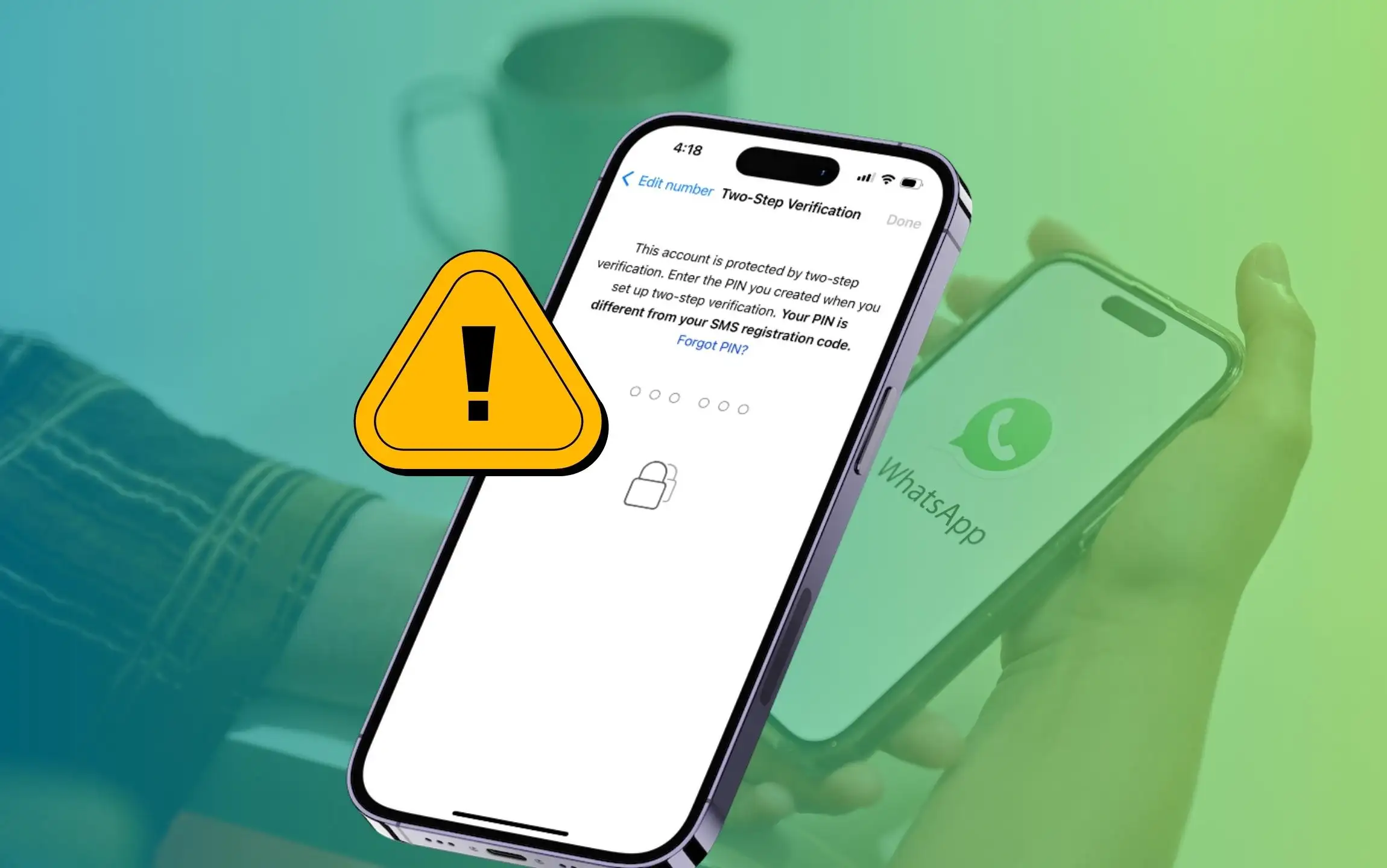
If you’ve 2-step verification enabled on WhatsApp. And, you’re going to delete the WhatsApp app from your iPhone. In the future trying to install it back at that time, WhatsApp will show up with a message that this account is protected by two-step verification. Please enter your passcode to complete your registration. If you have forgotten it, there’s no need to worry.
You will get two options to recover using email (if and only if you enrolled your email address when you enabled 2-SV WhatsApp), and the second way is to Contact Support. Possibly, both ways (Reset Forgot Whatsapp 2-Step Verification Passcode) are explained deeply below.
First, we see here,
Steps to Reset a Forgot WhatsApp 2-Step Verification Passcode via Email
Look at this Process to disable WhatsApp 2-step verification remotely because there is no official way to do that. But the Passcode can be removed.
Reset WhatsApp two-step verification password Without Email
- Open WhatsApp on your iPhone.
- Select Forget PIN?
- Now, Tap on Contact Support.

- In the Please Describe Your Problem field, enter your issue in detail.
- If you have a picture, click on the + Icon and add an image as proof of issue.
- After this, tap on Next in the right-top corner.
- Now, in the Do Any Of These Help? page select the question, and then select Send My Question to WhatsApp Support.
- On the next screen, review your queries and select the Blue Send Button. You will also send all the device details related to ownership you can send automatically to Mail inbox (Scroll to see the details). That’s the official way to recover the WhatsApp Two-Step Verification lock on iPhone.

WhatsApp’s verification team will review your request and contact you via email.
Reset WhatsApp two-step verification password With Email
- Open WhatsApp on your iPhone.
- Select Forget PIN? Tap on Send Email from the prompted menu.
- After this, tap on OK.

- Then you’ll receive a verification Link on your registered email address.
- Click on this link. Enter it and select Done from the top right corner to save changes.

- Click on Confirm to Verify and WhatsApp Two-Step Verification Reset.

- Now, for your requested WhatsApp account, Two-step verification has been removed from your WhatsApp account..

- Once two-step verification is removed using this method, WhatsApp will not prompt you to verify it again. Select Restore Chat History.

You may also like to fix the Whatsapp verification code not received.
Do you have any error or issue resetting WhatsApp 2 step verification forgot password iPhone? Don’t hesitate please share the error code or message screen in the comment box.