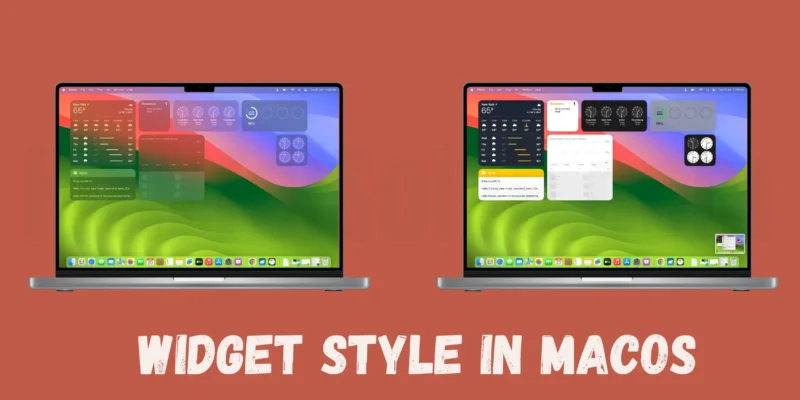

Key Takeaway: In macOS Sonoma, you can adjust the widget settings to monochrome on your Mac desktop to prevent distractions and enhance focus while working. By following simple steps in System Settings, you can fade widgets in the background and maintain concentration on your tasks.Widgets on ...
READ MORE +