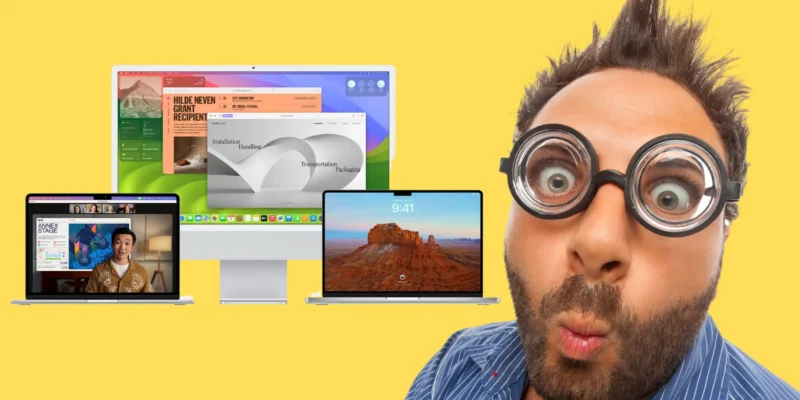

Great hidden features you will find in macOS Sonoma and why they make it such a great OS for any user.
READ MORE +
Great hidden features you will find in macOS Sonoma and why they make it such a great OS for any user.
READ MORE +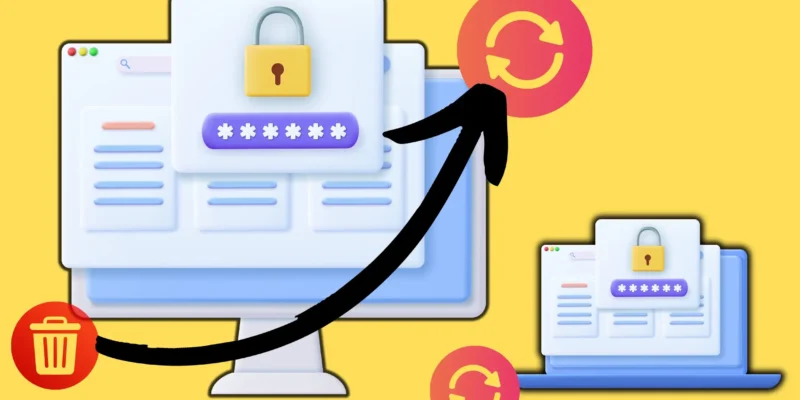
In macOS Sonoma & later, you can easily recover accidentally deleted passwords on your Mac by accessing the "Recently Deleted" folder within 30 days of deletion. Simply navigate through Apple Menu > System Settings > Passwords > Recently Deleted to select and recover the ...
READ MORE +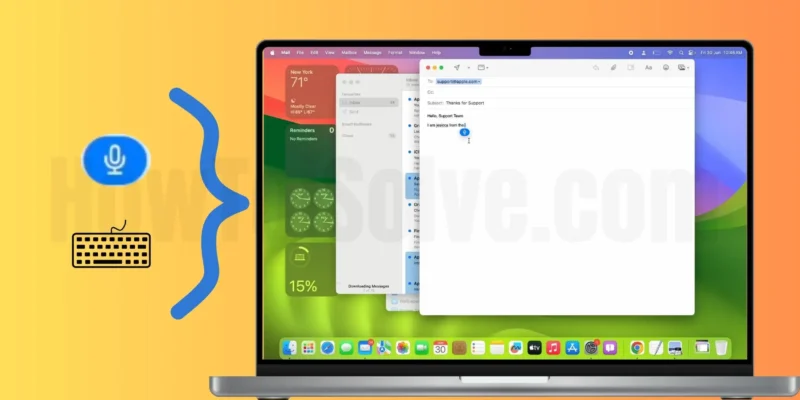

Key Takeaway: Dictation is a valuable feature on Mac, now improved with enhanced capabilities in macOS Sonoma, allowing hand-free access and multitasking. To use Dictation and Keyboard simultaneously, ensure your Mac is updated, enable Dictation in System Settings, and utilize keyboard shortcuts to ...
READ MORE +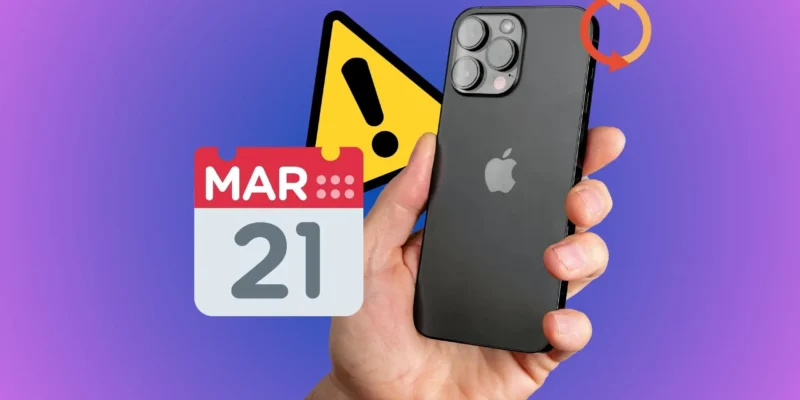
In Short:-It is important to ensure that all of your Apple devices are signed in with the same Apple ID.Force the Close Calendar app, re-open it, and wait for a while until all information reloads.Your device must have Enough iCloud Storage space.Try the Airplane Mode On and Off ...
READ MORE +
Finally, Apple introduced Shortcuts for the Mac. Shortcuts App was first launched for iOS and significantly impacted saving our precious time by streamlining multiple-step processes into a single tap. The same we’re going to use in Mac. Besides, integrating the Mac and iPad shortcuts gives easy ...
READ MORE +
Get a direct download MacOS Sequoia setup for your Mac and install macOS Public Beta & Developer Beta software update to your Mac. A direct link is given in this article for personal use. So take care of your Mac, This is developer use, so you will get bugs and missing features, in such case, ...
READ MORE +
Apple adds new features and enhancements to the user interface, eliminates bugs and glitches, and offers many other things with every software update. Also, some older versions of the operating system might not be able to run certain applications based on the newer OS, resulting in the MacBook ...
READ MORE +
In this article, we recommend the best Mac software for PDF editing. A list of subscription Apps and Free PDF editors for Mac that pinched after the research with advanced editing features. For example, students can edit pdf and summarise essays, while business users can store and apply signatures ...
READ MORE +
Increase your Productivity on Mac with Split View Screen on a big-screen Mac or even Small screen MacBook. Furthermore, Universal control manages all the files and folders between Macs and iPad. Using UC(Universal Control), we can directly put another device window into the Split View screen. ...
READ MORE +
As now everything has shifted to digital platforms, the use of DVDs is almost zero. But you might be thinking, what do I do with my favorite DVD collection? DVD ripping is the optimal way to digitize your DVD collection on your Mac and enjoy the content easily on your iPhone or iPad. DVD rippers ...
READ MORE +
