
Here are all articles based on Tips and Tricks for Apple Products like iPhone, iPad, Mac, Apple Watch, TV, And Airpods. So, Easy to Learn How to Use your Apple Device.
Tips and Tricks


Have you ever recorded a video and wanted to save only the audio? Maybe it's a lecture, an interview, a podcast, a voice memo, or background music that you want to listen to later. Fortunately, your iPhone makes it easy to extract audio from a video without needing a computer.In this guide, ...
READ MORE +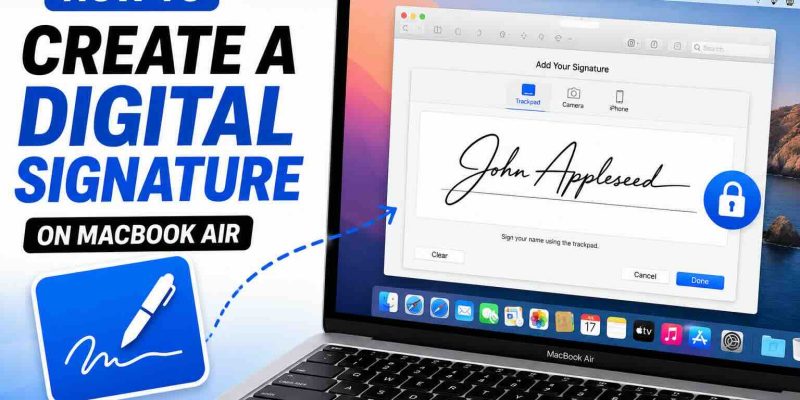
Need to sign a PDF document on your MacBook Air without printing it first? The good news is that macOS includes a built-in tool that lets you create, save, and use a digital signature in just a few minutes.Using Apple's Preview app, you can sign contracts, forms, agreements, and other ...
READ MORE +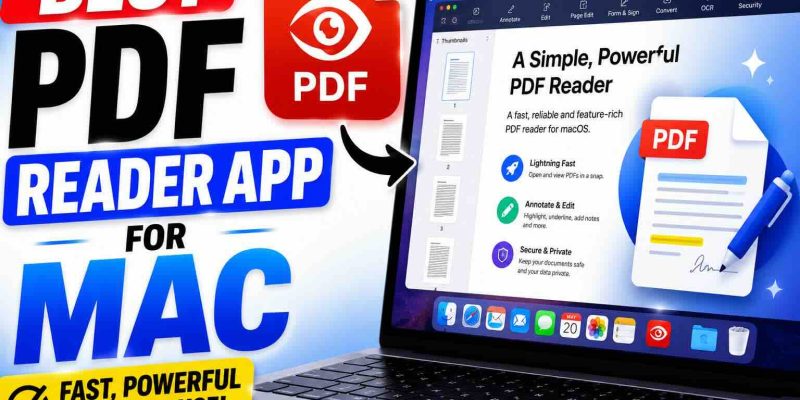
If you own a Mac, chances are you work with PDF files almost every day. Whether you're reading ebooks, reviewing business documents, signing contracts, filling out forms, or annotating research papers, having the right PDF reader can make your workflow much easier.The good news is that Mac ...
READ MORE +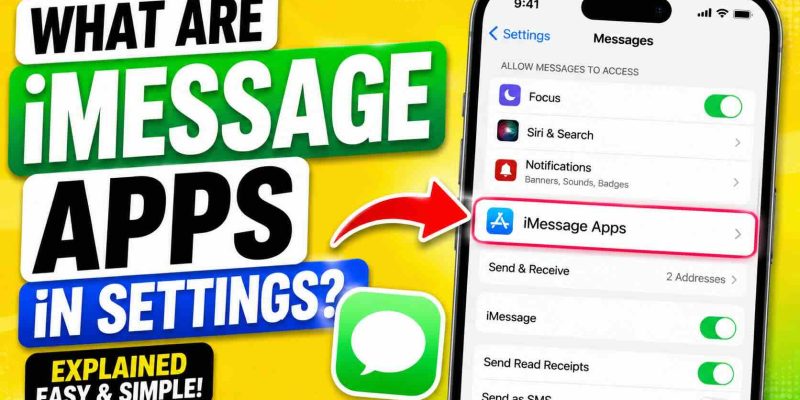
If you've ever opened the Messages settings on your iPhone and noticed an option called "iMessage Apps," you may have wondered what it actually does and whether you need it.The short answer is that iMessage apps are small apps, extensions, and sticker packs that work directly inside the ...
READ MORE +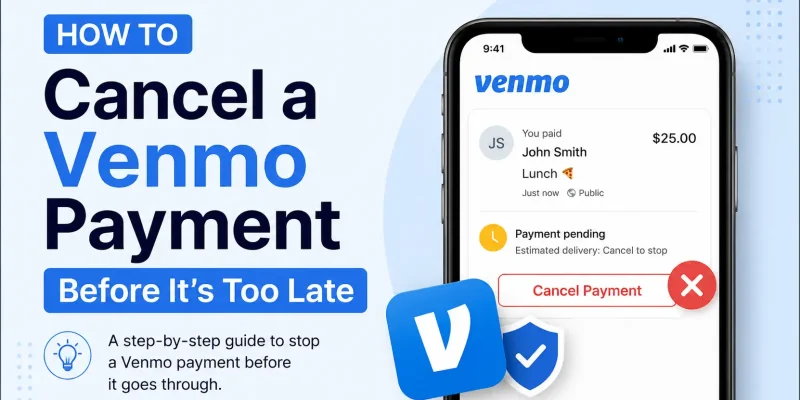
Sending money through Venmo is usually fast and convenient, but what happens if you accidentally send money to the wrong person? Many users search for ways to cancel a Venmo payment, especially after making a mistake during checkout or sending money too quickly.The important thing to know is ...
READ MORE +
Apple has officially released iOS 26.5 for supported iPhone users, and now many people are asking the same question.Should you update to iOS 26.5 right now, stay on iOS 26.4.2, or simply wait for iOS 27 later this year?The answer depends on which iPhone you use, how stable your current ...
READ MORE +
If your MacBook Neo trackpad feels jumpy, less smooth, or not as precise as your MacBook Pro, you are not the only one noticing the difference. Many users coming from a MacBook Air or MacBook Pro may immediately feel that the Neo trackpad behaves differently.The short answer is: your MacBook ...
READ MORE +
if you don’t want to use the Messages app on your MacBook Neo and keep seeing it open or show up in the Dock — even after logging out — you’re not alone.Many users face this issue where the Messages app keeps appearing with a small iPhone badge or prompts to sign in, especially when they open ...
READ MORE +
Selling on Facebook Marketplace is convenient, but when it comes to payments, many sellers ask:👉 Is Venmo actually safe? The short answer: It depends on how you use it.Let’s break it down for different situations so you know exactly when it’s safe — and when it’s risky.Is Venmo Safe for ...
READ MORE +
Looking for a Venmo ATM near you? You’re not alone. Many users of Venmo want quick access to cash but figuring out where to withdraw can be confusing.The good news: you can easily find ATMs that work with your Venmo debit card in just a few taps. This guide walks you through the fastest and ...
READ MORE +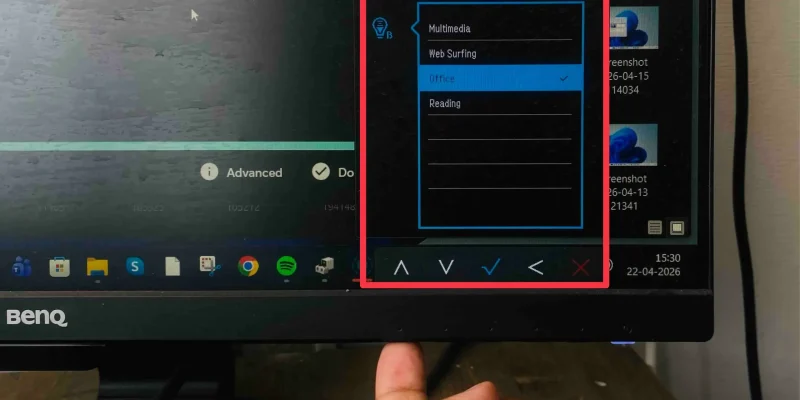
If you’re using a second monitor in Windows 11, you may notice that the usual brightness slider doesn’t work. That’s because Windows typically only controls brightness for built-in laptop displays, not external monitors.Don’t worry—there are multiple ways to adjust brightness on your second ...
READ MORE +
Looking for a MoneyPass ATM near you? Whether you need quick cash or want to avoid extra fees, finding a surcharge-free ATM can save you money instantly.In this guide, you’ll learn how to locate the nearest MoneyPass ATMs, how the network works, and tips to avoid unnecessary charges.What ...
READ MORE +