How-to
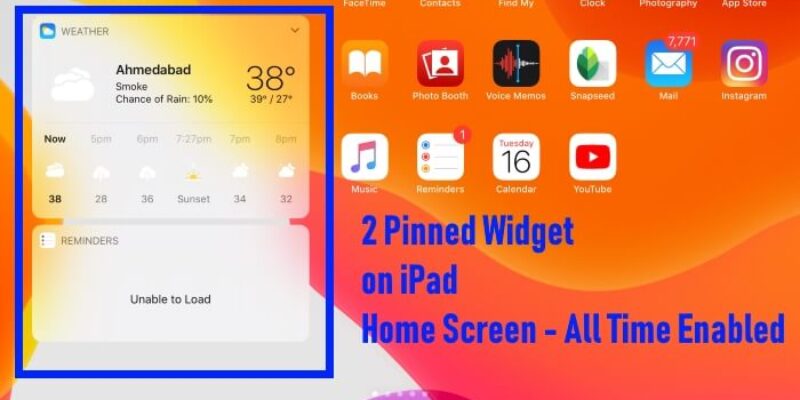
How to keep widgets on Home Screen iPadOS 18

On Your iPad, Pin Favorite Today View Widgets on Home screen to See at a Glance. Alongside, some of the widgets like Weather, Mail, Reminder, Calendar, Shortcuts, Photos, etc. will provide you real-time information on Widget Panel. will make iPad worth using widget feature. However, this Today ...

READ MORE +
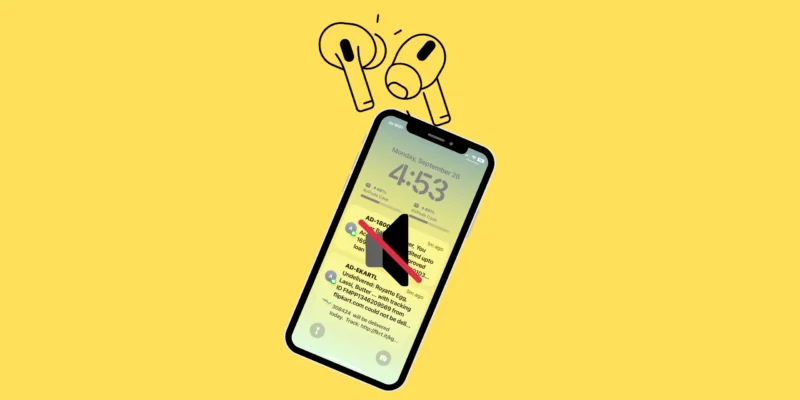
How to Turn off Siri Read Message on Airpods

If your AirPods keep announcing every text, alert, or notification out loud, you’re not alone. Many iPhone 17, 16, and older iPhone users say Siri’s “Read Messages” feature can get annoying—especially when you’re working, driving, or listening to music.The good news? Turning it off in iOS 26 ...

READ MORE +
How to Enable Auto Dark Mode on MacBook

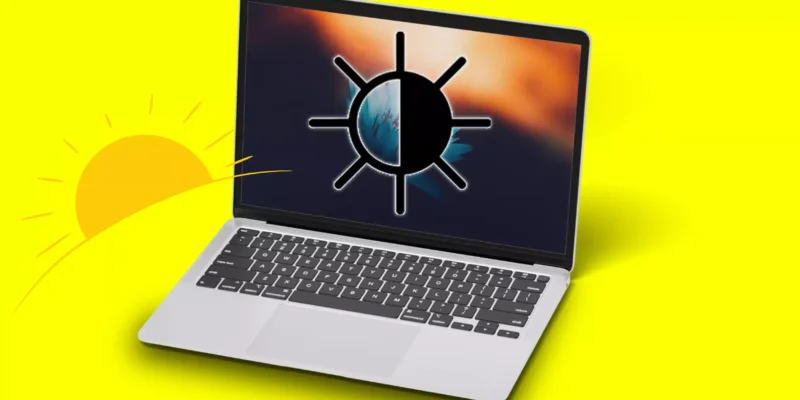
Auto Dark Mode on MacBook lets your display switch between light and dark appearances based on the time of day—light during the day and dark at night. This feature not only enhances visual comfort and reduces eye strain but also adds a sleek look to your macOS interface. Here’s how to enable and ...

READ MORE +
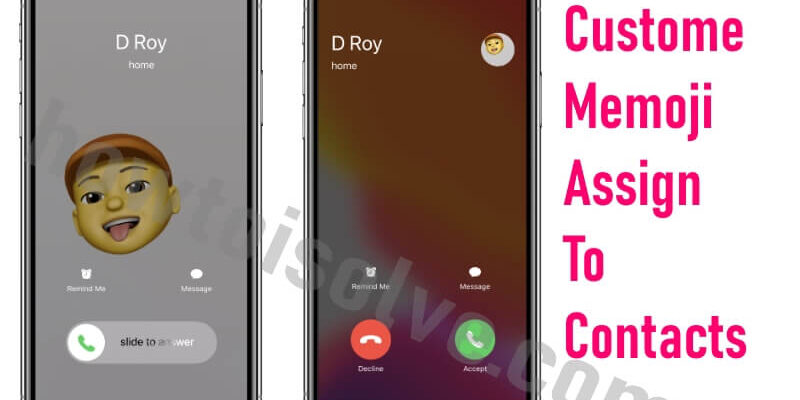
How to Use Memojis for Your iPhone Contacts

iOS 13 allows you to assign magnificent Memoji Stickers to Other Contacts in iPhone Phone app. Create a Memoji for yourself and your other contacts right inside Contacts. Set Different Custom Memoji to Each contact on iPhone that shows on the lock screen or unlocks the screen. Memoji sticker will ...

READ MORE +
HowToiSolve
Logo