How-to
How To Change Where Screenshots Are Saved On A Mac

Tired of cluttered desktops every time you take a screenshot on your Mac? You’re not alone—many users on Reddit ask how to organize their screenshots better. Luckily, macOS lets you change the default save location in just a few steps. Whether you prefer storing them in a custom folder or directly ...

READ MORE +
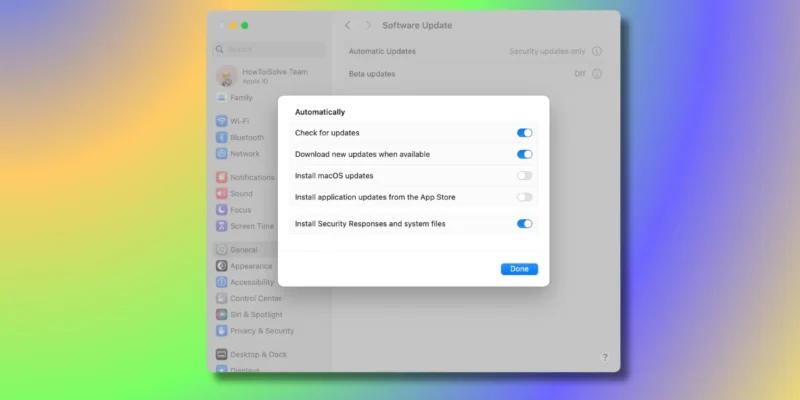
How to Enable & Disable Auto Updates on Mac

Here, the time comes to get total control over your Mac or MacBook Pro's Automatic Software Update or any macOS device. Apple's MacOS allows you to disable Automatic Software and prevents space. Some macOS user finds Automatic Software Update convenient, and they probably authorize the MacBook to ...

READ MORE +
How to Customize Control Center on Apple Watch

Finally, Apple added the Customize Control Center in the iOS concept into WatchOS. Yes, you guys, Apple Watch users have the facility to rearrange Control Center on Apple Watch. In this way, Watch users can set the most utilized toggles on the top of the Control Panel of the Apple Watch. In short, ...

READ MORE +
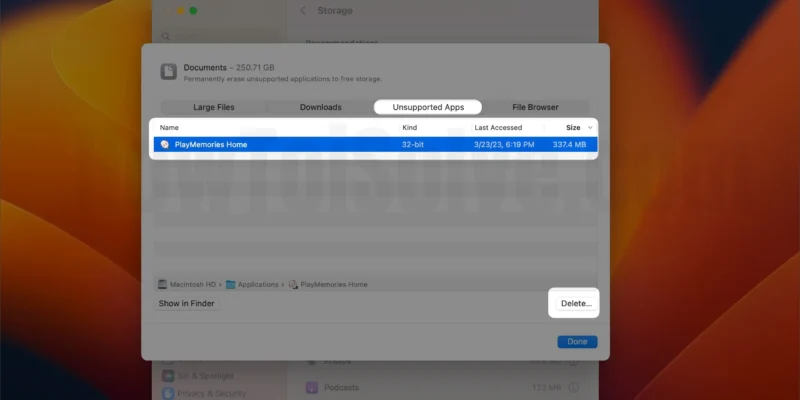
How to Uninstall apps on Mac (macOS 26 Tahoe)

I’ve always loved how clean and fast my MacBook Pro feels — but over time, unused apps start piling up like digital clutter. When I upgraded to macOS 26 Tahoe, things got even messier. Some old apps broke, others slowed things down, and I knew it was time for a proper clean-out.The thing is, ...

READ MORE +
HowToiSolve
Logo