Mac
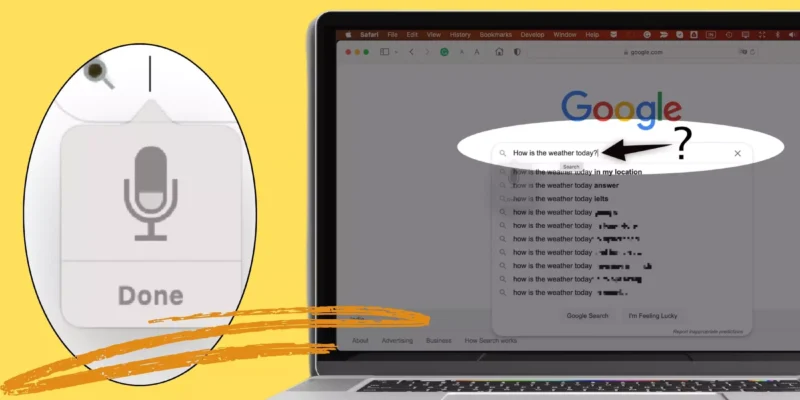
How To Turn Off Automatic Punctuation On Mac

Dictation on Mac offers the by-default turned-on Auto-Punctuation Settings. That is marked by tapping on the F5 key(Fn+F5), which sets the punctuation marks automatically, such as em-dash, semicolon, comma, ellipses, question mark, and periods, in different languages for you to dictate.It’s ...

READ MORE +
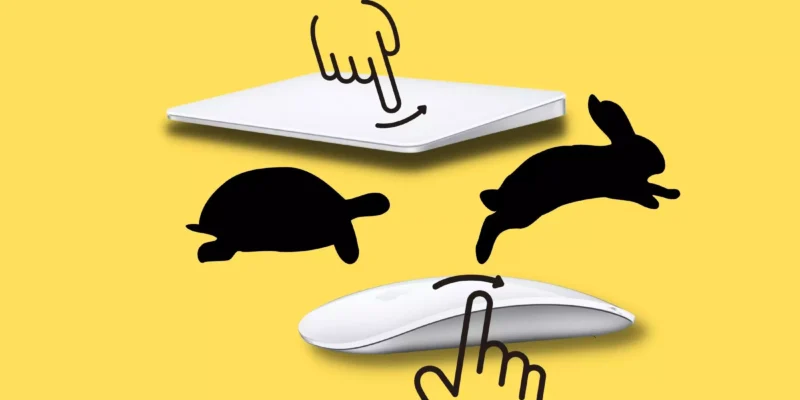
How to Disable inertial Scrolling on Your Mac

Suppose you are new to mac, then you must wonder what Inertial Scrolling is on mac. With "inertial scrolling," Scrolling will continue even after you lift a finger from the mouse/trackpad until it gradually stops. In other words, Scrolling gets some momentum after you lift a finger from the mouse ...

READ MORE +
How to Forget a WiFi Network on Mac

in this blog post, get a how to Forget a Wi-Fi Network on Your Mac Computer step-by-step guide. Your Mac is equipped with both Ethernet and Wireless network connectivity options; except the Macbook. But usually, we used to go for, Wi-Fi connectivity just to avoid the tangling of the Ethernet ...

READ MORE +
How to Cancel Printing & Print Jobs in Mac

Suppose you are a first-time using printer and often accidentally try to print, which is no longer required. Therefore, you decide to cancel the job rather than waste ink and paper. However, being a first-time user, how to clear the printer queue on mac can be a head-scratcher. Don't worry; we ...

READ MORE +
How to Set Up a Mac Screensaver Photos Slideshow

Are you bored of looking at a single wallpaper appearing every time on your Mac? Well, there is a way to change your background wallpaper to swap after a few minutes in random order using Mac Screensaver Photos SlideShow by selecting a bunch of photos of your choice. Perhaps you may have different ...

READ MORE +
HowToiSolve
Logo