

On your Windows or Mac Computer, Just the Formula to use TEXTJOIN Function in Excel with Clean & Easy Examples.
READ MORE +
On your Windows or Mac Computer, Just the Formula to use TEXTJOIN Function in Excel with Clean & Easy Examples.
READ MORE +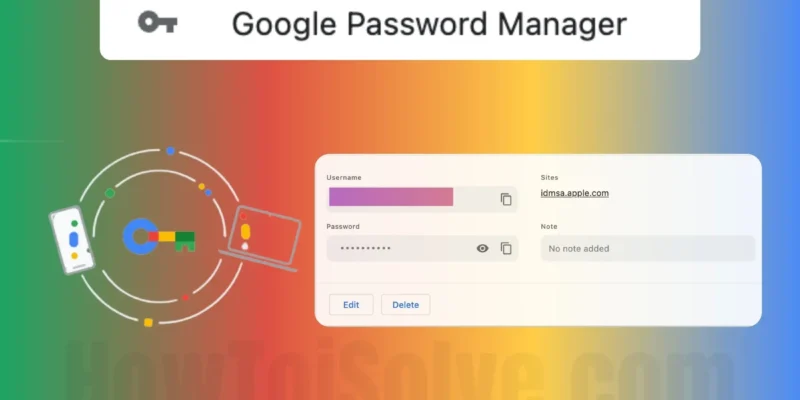
Passwords play an essential role in our lives, whether for Facebook, Gmail, Online Graphics Editing Tools, Website Logins, Other Social Sites, and more. It’s no doubt for security reasons, we need to change the passwords over time, but have you ever thought, what about the previously saved ...
READ MORE +
Like everyone else, Firefox also lets you save and manage the usernames and passwords of the websites you want. It's fine to save certain websites on the browser, which is not so important. However, you can’t save the password of a Bank, Credit Card, and such crucial things; in the long run, you ...
READ MORE +
Tired of cluttered desktops every time you take a screenshot on your Mac? You’re not alone—many users on Reddit ask how to organize their screenshots better. Luckily, macOS lets you change the default save location in just a few steps. Whether you prefer storing them in a custom folder or directly ...
READ MORE +
Usually, mail attachments are downloaded in the Download Folder in Finder. If you have a large number of downloads, it’s likely challenging to locate the attachment when you need it. If you want to hang on to everything in the download folder, or save Attachments in a different folder. Here is how ...
READ MORE +
The internet is an unsecured network; we are constantly under attack from hackers and botnets. This means someone can easily spoof or spy on our online activity. Therefore, if you are security-conscious, you should always be on the lookout for tools like VPNs and Proxies.But which one is ...
READ MORE +
Since the launch of Apple's macOS Sequoia beta update for Supported Macs, every Mac user has been in awe of the unique and amazing macOS Sequoia hidden features. The exceptional security upgrades, bug fixes, smooth and user-friendly user interface, performance upgrades, and many other brilliant ...
READ MORE +
The Preview app on Mac is a well-known image viewer tool for all Mac users. It shows all information (size, created, last modified, resolution, color space & profile, etc.) about a particular picture, and Quicklook Spacebar preview is worth using. Still, sometimes users face that the Preview ...
READ MORE +
Continuity between Mac and iOS devices makes your paperwork and documentation very easy. Because we can directly import all the photos and scanned a document from iOS device to Mac running on MacOS Mojave or later and iOS 12 or later. Read my past tutorial on how to use a continuity camera on Mac. ...
READ MORE +
Hope you have enjoyed all the latest features in the macOS Sequoia beta version on your Mac. But now, you don’t have to face bugs and errors that occur in the beta version. From now you don’t have to deal with an unstable version, as the stable version is now available. It is irritating to fix the ...
READ MORE +
