How-to
iMessage Not Working? Fix for iPhone, iPad, Mac

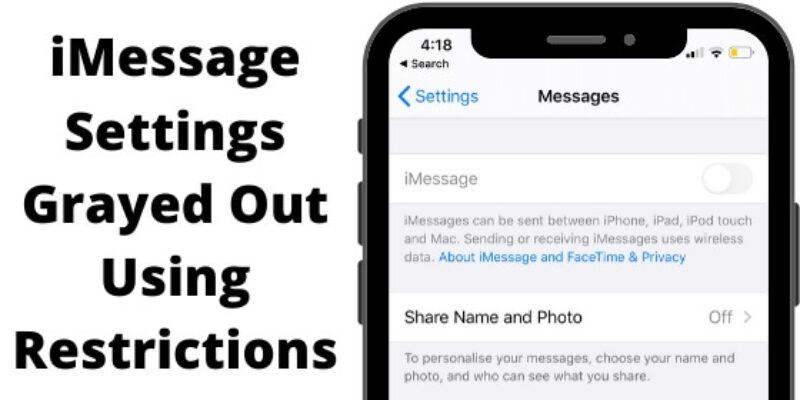
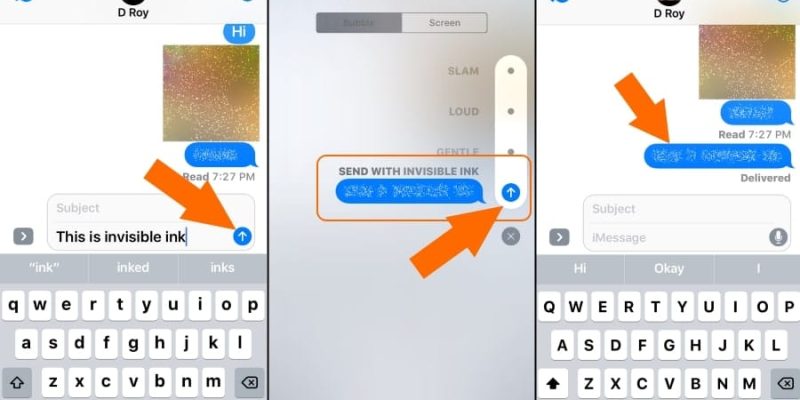
iMessage is now in a new messaging pattern, that’s changing the way to use message apps like before. Also, it’s very easy to enable iMessage from your new iPhone. iMessage’s different Bubble effects, Screen effects, and Handwritten messages in decorative outlines. For that, you must activate ...

READ MORE +
How to enable or disable Haptic Feedback on iPhone

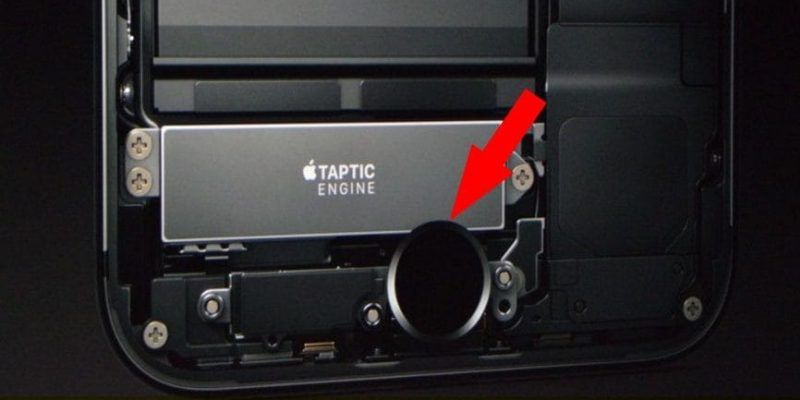
The haptic feature also packed in last year's iPhone, even though, it doesn’t work for the home button. And, recently launched iPhone coming with Taptic Engine (Physically Contact with Home button) for Home button iPhone. Today New iPhone model also works on Haptic Feedback on Change toggle, Face ...

READ MORE +
How to Enable Wi-Fi Calling on iPhone 17, 16, 15

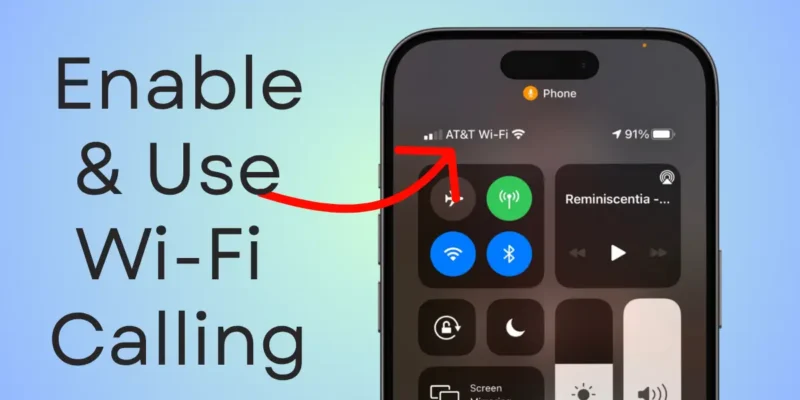
The latest iOS brings some incredible features, and one of the best is built-in Voice Over LTE (VoLTE) for crystal-clear calls along with Wi-Fi Calling. This means you can make and receive calls even when you’re out of cellular range — perfect for areas where AT&T, Verizon, T-Mobile, or Sprint ...

READ MORE +
iOS 18: How To Send Photos & Videos In iMessage

Send video in iMessage is not easy in a redesigned iMessage app compared to the Prior iOS version. Know how to send full Videos in iMessage or Selected/ Trimmed videos between text conversations for Free without any third-party app. In our previous article, we have seen how to Trim video in the ...

READ MORE +
HowToiSolve
Logo